What is confirmed: Windows 11 version 26H2 is Microsoft’s annual second-half update for 2026. Microsoft says it shares the same servicing branch as version 25H2 and can be activated on eligible 25H2 devices through a small enablement package and a single restart. It is still in Windows Insider testing, so unfinished features and timelines can change.
Updated July 27, 2026. This page separates Microsoft-confirmed facts from expectations. It will need another review when Microsoft publishes final public-release documentation.
26H2 at a glance
- Annual H2 feature update for Windows 11.
- Built on the same servicing branch as 25H2.
- Delivered to eligible 25H2 PCs by an enablement package.
- Requires one restart for the enablement transition.
- Currently tested through the Windows Insider Program.
- Windows 11 version 26H1 does not have a direct in-place update path to 26H2 because it uses a different core.
What an enablement package means
Microsoft can ship many underlying components to 25H2 systems through normal cumulative servicing while keeping new features dormant. The enablement package changes the version and switches the staged functionality on. This makes the move from 25H2 to 26H2 smaller and faster than a full operating-system replacement, assuming the device is eligible and current.
Experimental versus Beta testing
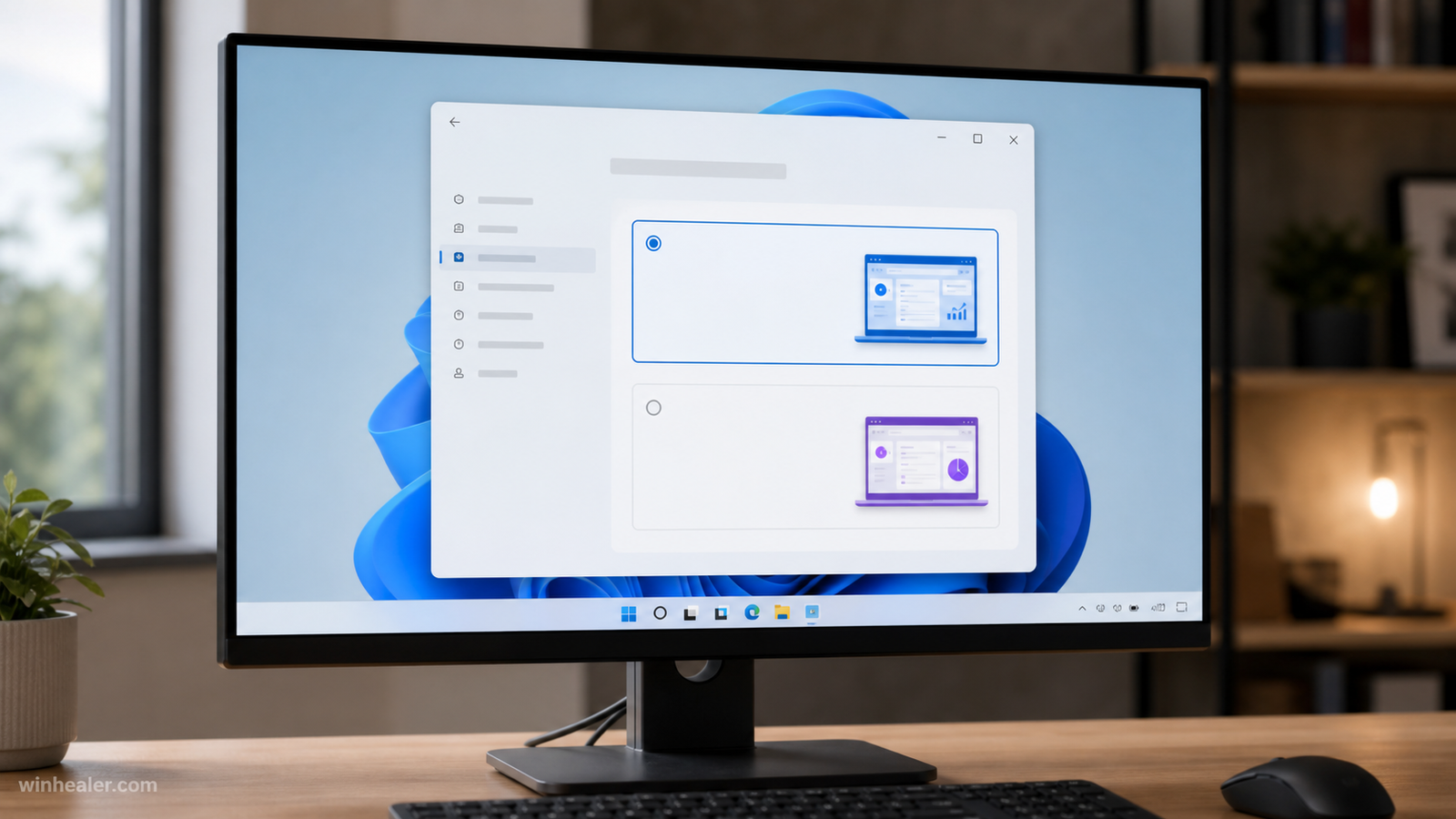
Microsoft reorganized Insider testing in 2026 around Experimental and Beta experiences. Experimental is intended for earlier work that may be unstable, incomplete, or never released in the same form. Beta is closer to a future public release but is still pre-release software. Do not install an Insider build on the only PC you depend on for work, study, banking, or irreplaceable files.
Before joining, create a verified backup, confirm recovery-media access, and understand that leaving some channels may require reinstalling Windows. A virtual machine or secondary device is the safer way to explore new behavior.
Confirmed features versus feature speculation
A build number or feature appearing in an Insider channel does not guarantee that it will ship in 26H2. Microsoft often uses controlled feature rollouts, so two PCs on the same build can show different functionality. Treat screenshots, registry switches, and third-party “hidden feature” lists as experiments rather than final release notes.
WinHealer will only mark a feature as final after Microsoft includes it in public release notes or formal documentation. Until then, the most reliable description of 26H2 is its servicing model—not a long list of rumored interface changes.
Hardware requirements
Microsoft had not published a separate final consumer requirements page for 26H2 at the time of this review. Do not assume that every PC running an experimental build will receive the public update. For now, use the current Windows 11 requirements—supported processor, TPM 2.0, Secure Boot capability, adequate memory and storage—as the baseline, then verify Microsoft’s final 26H2 eligibility guidance when release approaches.
Why 26H1 cannot update directly to 26H2
Microsoft’s official announcement says 26H1 and 26H2 use different cores. That means 26H1 devices do not follow the lightweight enablement route to 26H2. This distinction matters mainly for the particular device classes and test paths using 26H1; it does not mean a typical 25H2 consumer PC must install 26H1 first.
How to prepare without installing an Insider build
- Keep Windows 11 25H2 fully updated.
- Maintain at least one current backup that you have tested.
- Install BIOS and drivers only from the PC or component manufacturer.
- Check Device Security for TPM and Secure Boot status.
- Remove abandoned utilities and keep comfortable free space on drive C:.
- Wait for Windows Update to offer 26H2 unless Microsoft documents another supported path.
Should you install 26H2 immediately?
Most users should wait for the public rollout and let Windows Update evaluate safeguards. Enthusiasts with a secondary test PC can use Insider builds if they accept bugs and possible reinstallation. Businesses should validate line-of-business applications, VPNs, security tools, drivers, printers, and deployment policies in a controlled pilot ring before broad rollout.
Frequently asked questions
Is Windows 11 26H2 available to everyone?
No. It is in pre-release testing. Availability, channel, and rollout timing vary.
Will 26H2 delete apps or files?
The enablement package is designed as a lightweight transition from 25H2, but every system update carries some risk. Maintain a backup and follow safeguard holds.
Can an unsupported PC install it?
Workarounds may exist, but unsupported installation can lose update guarantees and support. WinHealer does not recommend bypassing Microsoft’s requirements on a primary PC.
Official references
- Microsoft: Announcing 26H2 Insider builds
- Microsoft: Experimental and Beta Insider experiences
- Windows Insider Blog
Editorial note: Preview details can change. We link to Microsoft’s primary documentation so readers can verify the current status.