The VCRUNTIME140.dll Missing Error is a common Windows problem that occurs when a program cannot find the required VCRUNTIME140.dll file. This file is part of the Microsoft Visual C++ Redistributable package and helps applications built with Microsoft Visual Studio run correctly.
When this DLL file is missing or corrupted, users may see error messages such as:
- “The program can’t start because VCRUNTIME140.dll is missing from your computer.”
- “VCRUNTIME140.dll not found.”
- “The code execution cannot proceed because VCRUNTIME140.dll was not found.”
This issue commonly appears when opening games, editing software, office applications, and other Windows programs.
What Is VCRUNTIME140.dll?
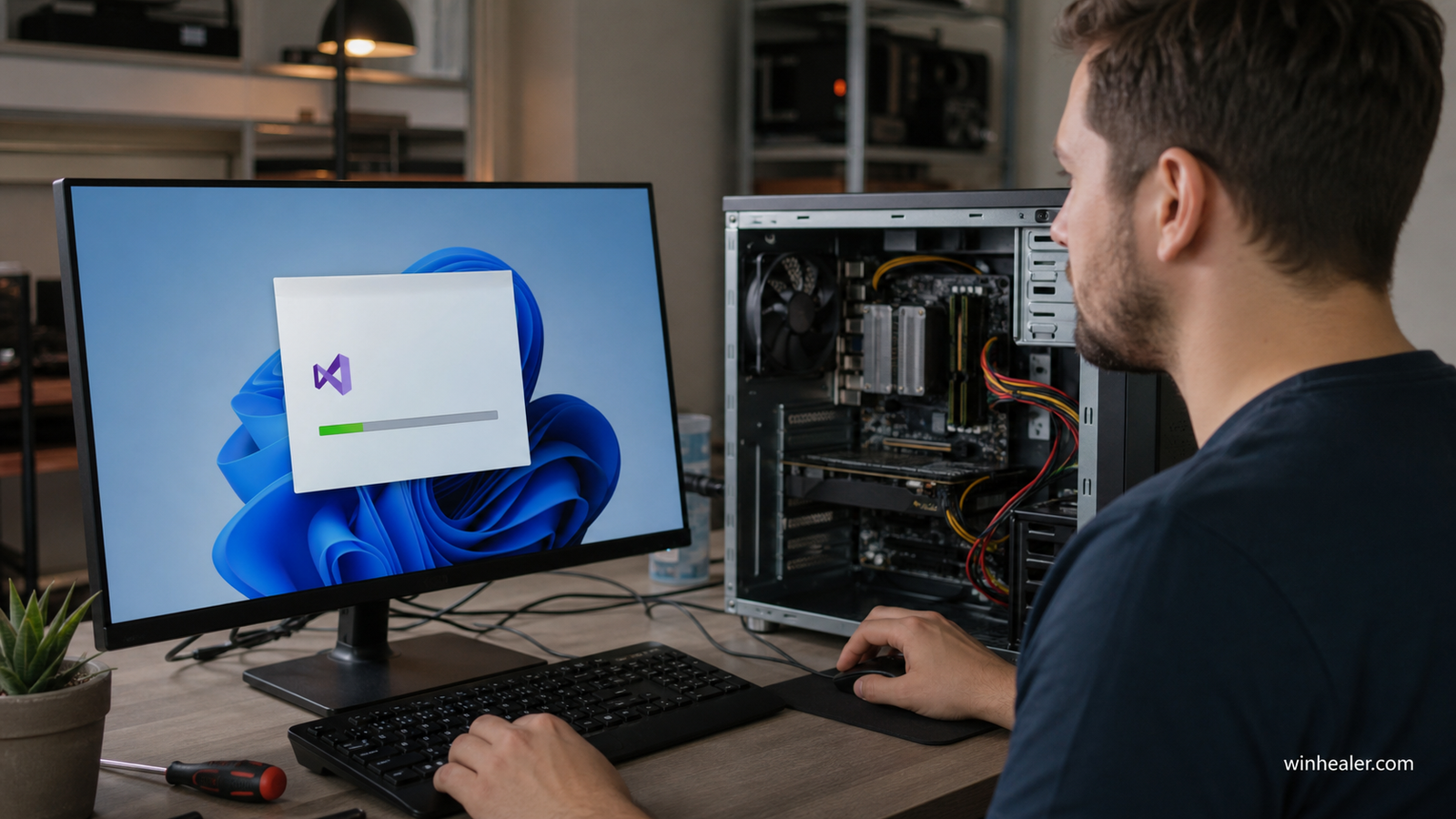
VCRUNTIME140.dll is a Dynamic Link Library file included with Microsoft Visual C++ Redistributable. It contains runtime functions required by applications developed using Microsoft Visual C++.
Many Windows applications depend on these runtime files. If they are missing, the application may fail to launch.
Why Does the VCRUNTIME140.dll Missing Error Happen?
Several reasons can cause this error:
1. Missing Microsoft Visual C++ Redistributable
The most common reason is that the required Microsoft Visual C++ runtime package is not installed on your computer.
2. Corrupted VCRUNTIME140.dll File
The DLL file may become damaged because of system crashes, interrupted updates, or software conflicts.
3. Incorrect Software Installation
A program may not install all required components correctly, resulting in missing DLL files.
4. Windows Update or System Changes
Changes to Windows system files can sometimes remove or affect required runtime components.
5. Malware or Security Issues
Viruses or malicious software can modify or delete important DLL files.
Symptoms of VCRUNTIME140.dll Error
You may notice:
- Applications failing to start
- Games crashing on launch
- Windows displaying DLL error messages
- Programs closing unexpectedly
- Installation failures for certain software
How to Fix VCRUNTIME140.dll Missing Error
1. Install Microsoft Visual C++ Redistributable
The safest solution is to install the latest Microsoft Visual C++ Redistributable package.
Steps:
- Download the official Visual C++ Redistributable package.
- Install the correct version for your Windows system.
- Restart your computer.
- Try opening the affected program again.
2. Repair Visual C++ Redistributable Installation
If the package is already installed:
- Open Control Panel.
- Select Programs and Features.
- Find Microsoft Visual C++ Redistributable.
- Choose Modify.
- Select Repair.
- Restart your PC.
3. Reinstall the Affected Program
If only one application shows the error:
- Uninstall the program.
- Restart Windows.
- Download the latest version from the official website.
- Install it again.
4. Run Windows System File Checker
Windows provides a built-in tool to repair corrupted system files.
Follow these steps:
- Open Command Prompt as Administrator.
- Enter:
sfc /scannow
- Press Enter and wait until the scan completes.
- Restart your computer.
5. Update Windows
Keeping Windows updated can fix compatibility issues and restore missing system components.
To check updates:
- Open Settings.
- Go to Windows Update.
- Install available updates.
- Restart your system.
6. Scan Your Computer for Malware
Run a complete antivirus scan to check whether malware is causing DLL file problems.
Should You Download VCRUNTIME140.dll From DLL Websites?
Downloading individual DLL files from unknown websites is not recommended. These files may be outdated, modified, or incompatible with your system.
The safer approach is to install Microsoft Visual C++ Redistributable from an official source or reinstall the software that requires the missing file.
How to Prevent VCRUNTIME140.dll Errors
You can reduce the chance of DLL errors by following these practices:
- Keep Windows and drivers updated
- Install applications from trusted sources
- Avoid deleting files from system folders
- Keep Microsoft Visual C++ Redistributable installed
- Use security software regularly
- Create system restore points before major changes
Conclusion
The VCRUNTIME140.dll Missing Error is usually caused by missing or damaged Microsoft Visual C++ runtime components. Installing or repairing the Visual C++ Redistributable package is often the most effective solution.
By maintaining your Windows system, updating software regularly, and avoiding unsafe downloads, you can prevent many DLL-related problems and keep your applications running smoothly.