Quick answer: Choose layout and switch feel before chasing features. A TKL or 75% board is the safest gaming size for most desks. Hall-effect rapid trigger is valuable for competitive movement, while a well-built mechanical keyboard is often better for mixed gaming and typing.
This WinHealer guide was reviewed for July 2026. Availability, software features and street prices can change, so use the decision process below and confirm current details before buying or installing.
What matters most
Full-size boards add a number pad but reduce mouse space. TKL keeps navigation keys, 75% compresses the layout, and 60% removes dedicated arrows and function keys.
Hall-effect switches measure travel magnetically and can offer adjustable actuation and rapid trigger. They do not automatically improve typing feel, acoustics or software quality.
For wireless gaming, use the supplied low-latency 2.4 GHz receiver. Bluetooth is convenient for extra devices but is not the preferred competitive connection.
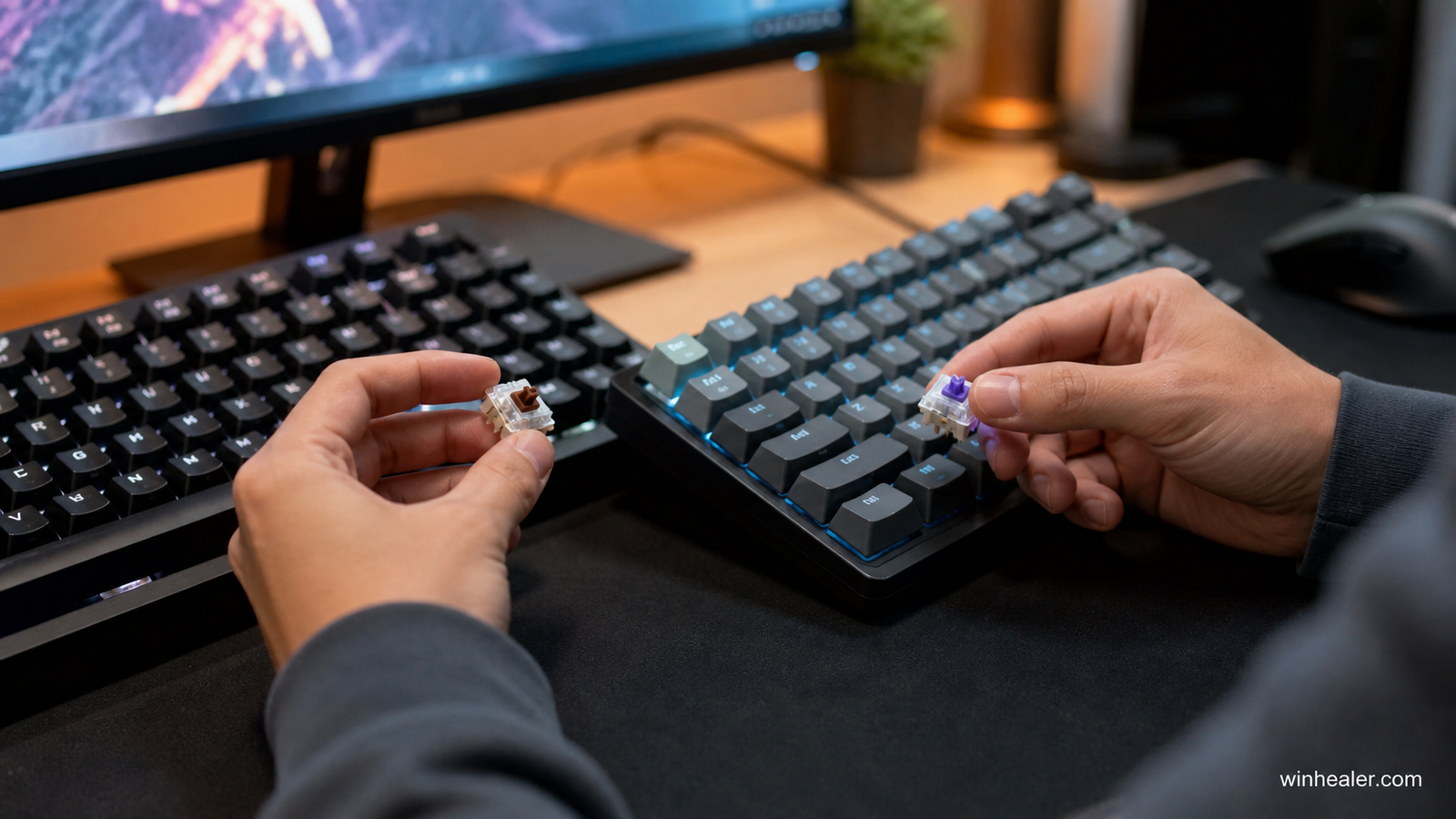
Recommended gaming keyboards
The list is numbered for clarity, not as an absolute ranking. Choose layout, switch feel, actuation features and wired or wireless operation according to how you actually play and type.
1. Wooting 80HE
A leading competitive choice because its magnetic switches, rapid-trigger implementation and software are focused on precise control rather than decoration.
Best for: Competitive players who want adjustable actuation and rapid-trigger behavior.
What to know before choosing: Its customization is useful only when tuned carefully. Start with conservative actuation settings to avoid accidental inputs, then adjust per game.
2. Keychron Q1 HE
A strong premium mixed-use board for people who want magnetic-switch features with a substantial aluminum build and comfortable typing.
Best for: Players who want Hall-effect gaming features in a substantial enthusiast-style board.
What to know before choosing: Its heavier construction and layout suit desk use more than portability. Check regional layout, switch support and wireless behavior for the exact model.
3. Razer Huntsman V3 Pro TKL
A competitive TKL option with adjustable optical analog behavior and broad retail availability. Try the switch feel before committing.
Best for: Players focused on competitive play who prefer a TKL layout.
What to know before choosing: Analog-style adjustment can improve responsiveness, but extremely sensitive settings can hurt typing accuracy. Save separate profiles for games and everyday use.
4. Logitech G515 LIGHTSPEED TKL
A low-profile wireless choice for a clean desk and comfortable everyday use, with less wrist extension than tall conventional boards.
Best for: Players who want a thin wireless keyboard for mixed gaming and work.
What to know before choosing: Low-profile keys reduce travel and keep the board compact. Confirm switch feel, battery expectations and wireless receiver compatibility before buying.
5. Keychron V-series Max
A practical value mechanical option with hot-swap flexibility and multi-device connectivity; confirm the exact regional layout before ordering.
Best for: Value-focused users who want wireless mechanical options and multiple layouts.
What to know before choosing: The V Max family offers different sizes, so select by the keys you actually need. Hot-swap support still requires compatible switch types.
Practical checklist
- Choose layout based on desk and key needs
- Decide whether rapid trigger is actually useful
- Check switch replacement compatibility
- Prefer durable PBT keycaps
- Verify software works without a permanent account
Frequently asked questions
Is Hall effect better than mechanical?
It is better for adjustable actuation and rapid trigger, not automatically for sound, typing or value.
Is wireless safe for competitive gaming?
A good 2.4 GHz implementation is. Keep the receiver close and use wired mode during charging if needed.
Do I need a wrist rest?
Only if it improves your neutral posture. A lower keyboard or negative tilt can be more important than a thick wrist rest.
Final verdict
Start with your real use case, confirm compatibility and test the option that best fits your budget and workflow. Avoid paying for specifications you cannot use, and favor products or software with clear support, updates and return terms.
Official references
Editorial note: WinHealer does not guarantee future pricing or availability. Recommendations are based on documented features and practical suitability, not sponsored placement.