Quick answer: For convenience, choose a headset with a clear boom microphone and dependable connection. For the best sound per euro, consider good wired headphones plus a separate microphone. Comfort and positional imaging matter more than virtual-surround marketing.
This WinHealer guide was reviewed for July 2026. Availability, software features and street prices can change, so use the decision process below and confirm current details before buying or installing.
What matters most
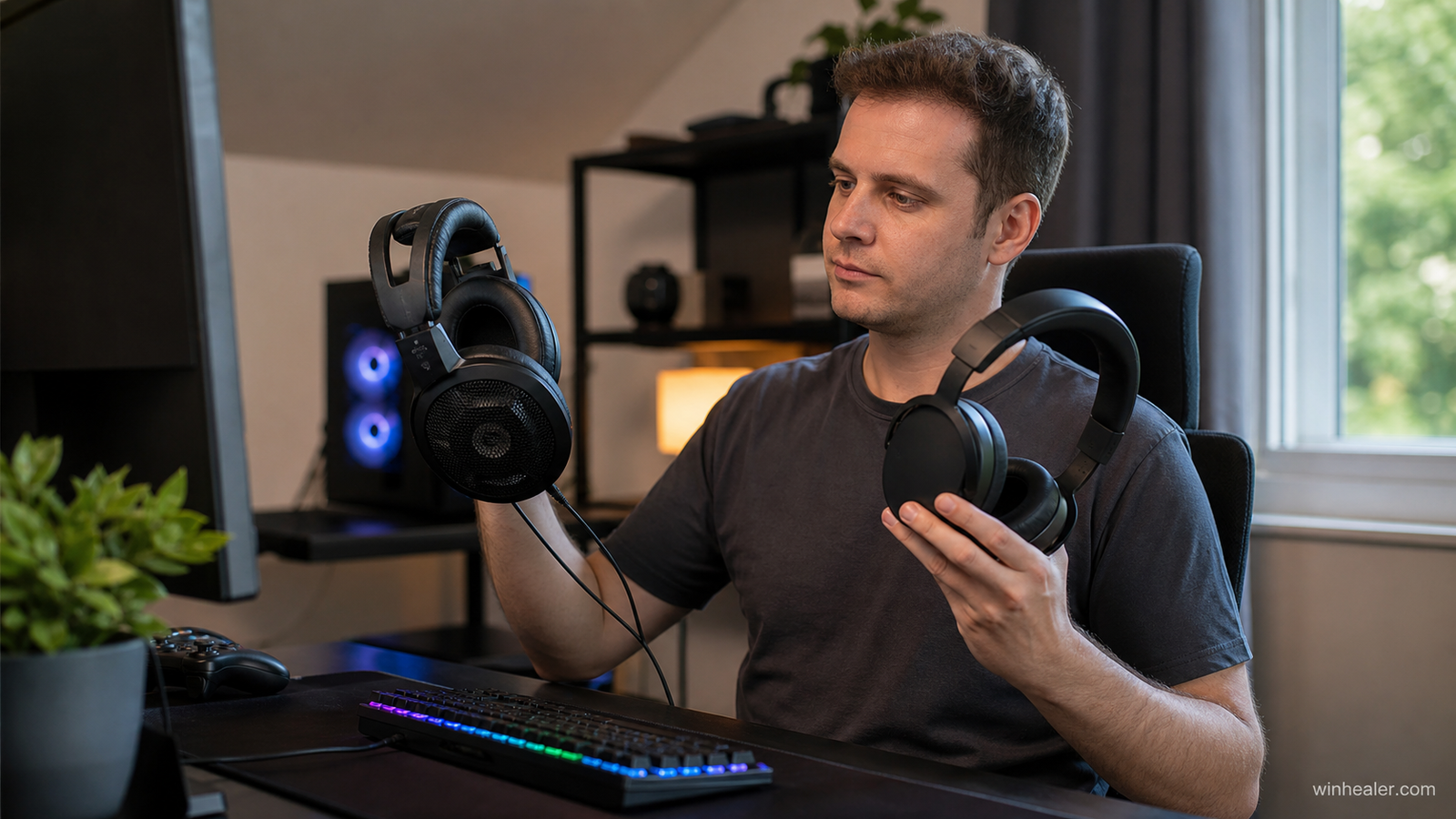
Open-back headphones often create a spacious presentation but leak sound and provide little isolation. Closed-back models suit shared or noisy rooms.
Wireless headsets add batteries, radio electronics and weight. Check replacement pads, battery support and simultaneous Bluetooth behavior rather than only advertised runtime.
A microphone should reject keyboard noise and remain clear at normal speaking distance. A simple well-positioned boom mic often beats aggressive software processing.
Recommended gaming headsets and headphones
The list is numbered for easy reading rather than as an absolute score. Comfort, connection type, microphone needs and room noise should decide which option is best for you.
1. Audeze Maxwell 2
A premium wireless choice for listeners prioritizing planar-magnetic detail and strong battery life. It is heavier than many dynamic-driver headsets, so fit matters.
Best for: Players who prioritize detailed wireless sound and strong battery life.
What to know before choosing: Planar drivers and wireless features add weight, so comfort should be tested if possible. Use the low-latency dongle for gaming rather than ordinary Bluetooth.
2. SteelSeries Arctis Nova Pro Wireless
A feature-rich option for people who switch sources and value a base station, replaceable battery workflow and extensive controls.
Best for: Players who want wireless convenience, active noise cancellation and a flexible desktop base station.
What to know before choosing: Its large feature set carries a premium price. Decide whether simultaneous connections, battery swapping and ANC are genuinely useful for your setup.
3. HyperX Cloud III wired
A straightforward wired headset for dependable voice chat and comfort without battery management.
Best for: Players who want a straightforward durable wired headset at a moderate price.
What to know before choosing: Wired operation avoids battery and wireless interference concerns. Sound and microphone quality are practical, but the closed-back design may feel warm during long sessions.
4. Beyerdynamic MMX 300 Pro
A premium wired closed-back choice with strong build quality and a broadcast-style boom microphone.
Best for: Players who want a premium wired headset with strong isolation and an integrated microphone.
What to know before choosing: A wired connection keeps latency simple, while the closed design helps block room noise. Check clamp comfort and the output options on your PC.
5. Sennheiser HD 560S plus USB microphone
A good open-back headphone route for a quiet room when natural sound and imaging matter more than isolation.
Best for: Players who want open-back positional audio and are comfortable using a separate microphone.
What to know before choosing: Open-back headphones can provide a spacious presentation, but they leak sound and do not isolate outside noise. They suit a quiet private room rather than shared spaces.
Practical checklist
- Prioritize comfort for two-hour sessions
- Choose open or closed back for the room
- Confirm mic monitoring and chat-mix needs
- Check pad and cable replacements
- Keep listening volume at a safe level
Frequently asked questions
Do I need virtual 7.1?
No. Modern games can output spatial cues over ordinary stereo headphones. Optional spatial processing is a preference, not a requirement.
Are gaming headsets worse than headphones?
Not always. A well-tuned headset can be excellent and is simpler to use, while separate headphones and mic offer more upgrade flexibility.
Is Bluetooth good for PC gaming?
It can add latency and microphone-quality compromises. Use the headset’s low-latency dongle or wired USB for games.
Final verdict
Start with your real use case, confirm compatibility and test the option that best fits your budget and workflow. Avoid paying for specifications you cannot use, and favor products or software with clear support, updates and return terms.
Official references
Editorial note: WinHealer does not guarantee future pricing or availability. Recommendations are based on documented features and practical suitability, not sponsored placement.