Quick answer: For Warzone and similar FPS games, choose a mouse that lets you make repeated micro-adjustments without fighting the shell. A stable 1,000 Hz connection, sensible weight and a shape matched to your grip matter more than maximum DPI.
This WinHealer guide was reviewed for July 2026. Availability, software features and street prices can change, so use the decision process below and confirm current details before buying or installing.
What matters most
Low weight can reduce fatigue during long tracking movements, but balance and shape are equally important. A mouse that is too small can force tension into the fingers.
Wireless performance depends on the 2.4 GHz receiver having a clear, close path to the mouse. Avoid placing the receiver behind a metal desktop tower or next to a congested USB hub.
Polling rates above 1,000 Hz can improve input sampling on a fast CPU and high-refresh display, but the gain is small and may reduce battery life. Test rather than assuming.
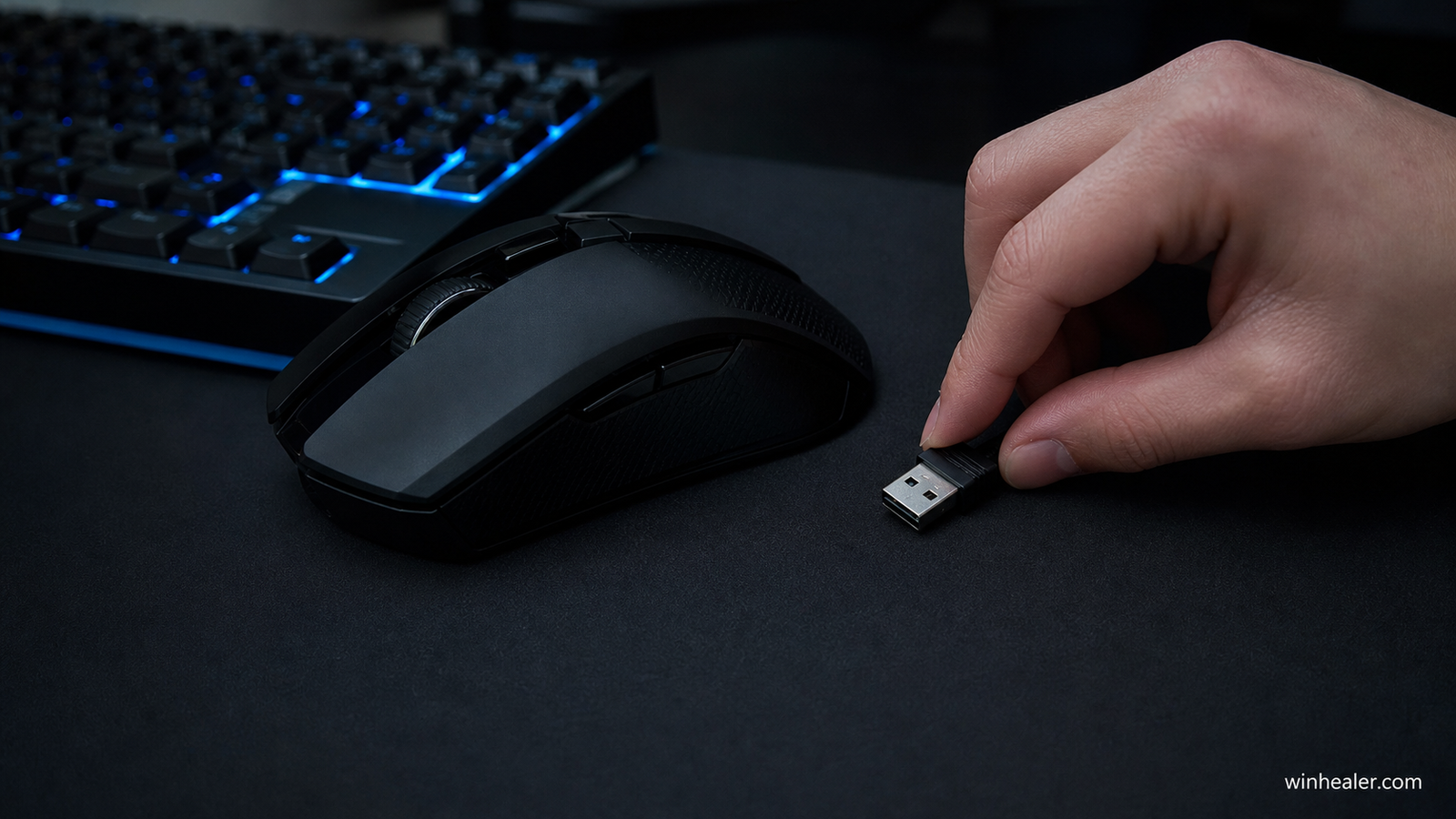
Recommended competitive FPS mice
The numbering is for readability, not a universal ranking. Shape, grip comfort, click feel and stable frame pacing matter more than chasing the highest sensor numbers.
1. Razer Viper V3 Pro
A premium lightweight symmetrical option with a strong competitive shape and high polling support. Best for players who already know they like a medium rear-hump shell.
Best for: Players who want a very light wireless esports-focused shape.
What to know before choosing: Its high-end specifications matter less than shape and control. Use a polling rate your PC can sustain and keep firmware and receiver placement optimized.
2. Logitech G Pro X Superlight 2
A safe premium all-rounder with broad hand-shape compatibility, low weight and mature wireless behavior.
Best for: Players who want a widely used lightweight wireless all-rounder.
What to know before choosing: Its safe shape works for many grips, but not every hand. Compare the current model’s switches, charging and software features before paying a premium.
3. Zowie U2 wireless family
A shape-led choice for claw grip users who prefer minimal software dependence and tournament-style simplicity.
Best for: Players who prioritize shape, stable wireless and minimal software dependence.
What to know before choosing: Zowie models emphasize plug-and-play adjustment. Confirm the exact size and model because small shape changes affect aim comfort.
4. Endgame Gear OP1 8K
A top wired alternative for narrow claw grip. The cable is a fair trade when maximum consistency and no charging are priorities.
Best for: Players who want a responsive wired mouse and do not mind a cable.
What to know before choosing: Very high polling can increase CPU load with limited practical benefit. Start at 1,000 Hz and test higher settings only if frame pacing remains stable.
5. Pulsar X2 family
Multiple sizes make this useful for fitting different hands. Buy from a seller with a clear return and warranty policy.
Best for: Players who want multiple shapes and sizes within one product family.
What to know before choosing: The family includes variations, so verify the exact version, sensor, switches and size. Do not assume every X2 model has identical specifications.
Practical checklist
- Record hand dimensions
- Choose shape before weight
- Use raw mouse input where available
- Start near 800 or 1600 DPI and tune in-game sensitivity
- Place wireless receiver within easy line of sight
Frequently asked questions
Does Warzone require a special mouse?
No. It requires consistent aim and comfortable control. Any reliable gaming mouse with a suitable shape and stable connection can work well.
Is 8,000 Hz worth it?
Only sometimes. It is easier to notice on very high-refresh displays and strong CPUs, while many players gain more from better ergonomics and practice.
Should I use angle snapping?
Usually no for FPS play. Leave acceleration and angle snapping off unless you have a specific reason and a repeatable training routine.
Final verdict
Start with your real use case, confirm compatibility and test the option that best fits your budget and workflow. Avoid paying for specifications you cannot use, and favor products or software with clear support, updates and return terms.
Official references
Editorial note: WinHealer does not guarantee future pricing or availability. Recommendations are based on documented features and practical suitability, not sponsored placement.