Microsoft is finally undoing one of Windows 11’s most irritating limitations: the taskbar can move away from the bottom edge again. The new controls let it sit at the top, left or right, with matching alignment options. There is an important catch, though—the feature is still being tested with Windows Insiders, so most normal PCs will not see it yet.
The short version
Microsoft announced alternate taskbar positions in May 2026 and began rolling them out through the Experimental channel. Supported builds can place the bar on any screen edge and align icons appropriately. Start, Search and flyouts open from the selected edge rather than pretending the taskbar is still at the bottom.
This is not the old registry trick. It is a native Microsoft implementation, designed to work with labels, Never combine and the smaller-taskbar option. If the setting is absent on your PC, forcing old registry values is unlikely to recreate the full experience and can leave the shell looking broken.
How the new taskbar positions work
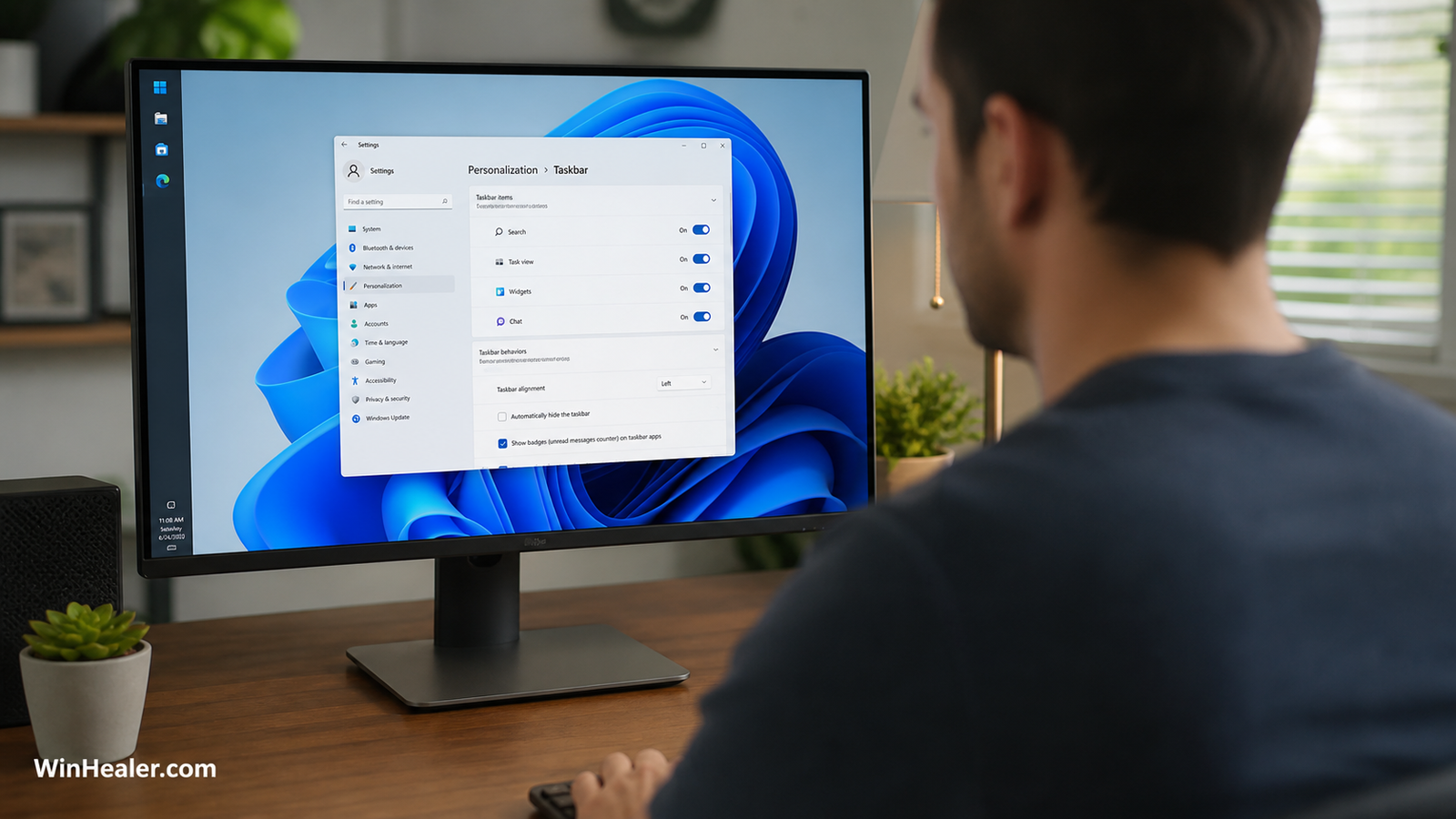
On a supported build, open Settings → Personalization → Taskbar → Taskbar behaviors. The position menu offers Bottom, Top, Left and Right. Horizontal positions support left or centered icon alignment. On a vertical bar, icons can sit toward the top or remain centered.
The clever part is not simply rotating a strip of icons. Start and other flyouts understand the new edge. A Start menu launched from the top opens from the top; a vertical taskbar can show separate labeled windows when “Never combine” is enabled. That makes it useful rather than merely decorative.
Why a vertical taskbar can be genuinely useful
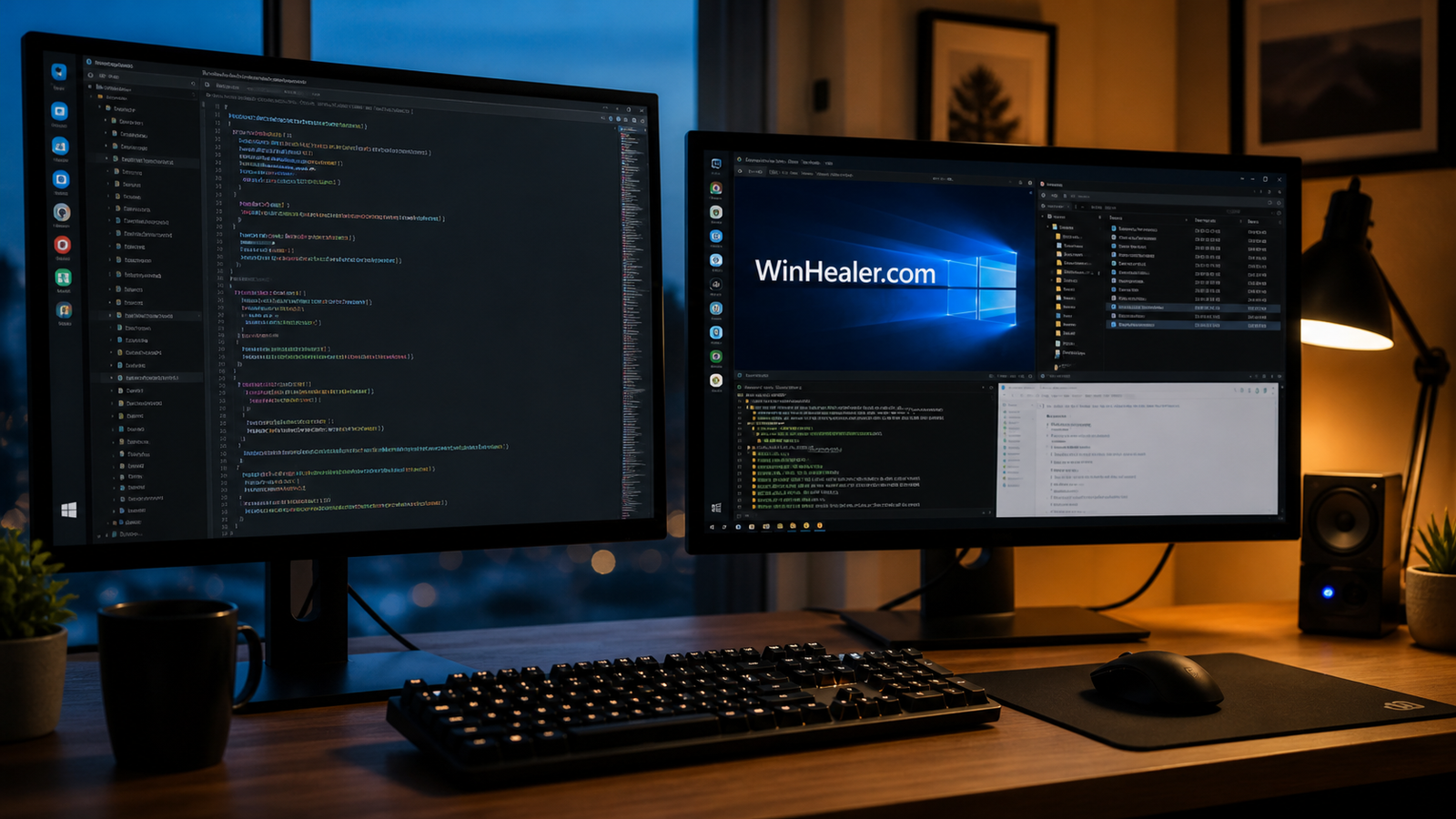
Modern displays are wide. Documents, websites and code usually need vertical room more than another strip of horizontal space. Moving the bar to the left or right can return a little height while using pixels that would otherwise sit beside the content.
- Developers can see more lines of code.
- Writers get more document height.
- Ultrawide-monitor owners use horizontal space more efficiently.
- People juggling many windows can combine a vertical bar with visible labels.
What still does not work perfectly
Microsoft’s first preview has deliberate gaps. Auto-hide and the tablet-optimized taskbar are not yet supported in alternate positions. Touch gestures are still in development. A full Search box also becomes a Search icon away from the bottom. Microsoft is evaluating per-monitor positions and drag-and-drop movement, but those are not promises for the final release.
That unfinished list explains why the feature belongs in an experimental channel. A taskbar touches window switching, notifications, accessibility, touch, multiple monitors and full-screen apps. One misaligned flyout can become annoying surprisingly quickly.
Why you may not see the option
Feature rollout is controlled by build, Insider channel and Microsoft’s gradual deployment. Being on “the latest Windows 11” is not enough. Check Settings → System → About for the OS build, then Windows Update for your Insider channel. Microsoft can enable a feature for only part of an eligible audience while it checks reliability.
Do not download random shell files or enable undocumented feature IDs just to chase the menu. Preview features can change, and unofficial forcing can make troubleshooting difficult. If this is your work computer, waiting for the normal release is the sensible choice.
Should you join the Insider Program for it?
For a spare PC or virtual machine, testing can be fun. For the only computer you depend on, a movable taskbar is not a good reason to accept preview-build risk. Experimental releases may contain unfinished features and regressions, and moving back to stable Windows is not always a one-click operation.
What about third-party taskbar tools?
Utilities have filled this gap since Windows 11 launched. They can still provide deeper styling or classic behavior, but shell-modification tools sometimes break after cumulative updates. Microsoft’s native option should be easier to maintain because it is built and tested with the shell itself. If you use a third-party tool, create a restore point and confirm that its current version supports your Windows build.
Will this reach every Windows 11 PC?
Microsoft says it is bringing the feature to Windows 11, but it has not supplied a universal stable-release date. Insider testing can change the design, delay the rollout or expose hardware-specific problems. Treat screenshots as a preview, not evidence that your retail installation is missing an update.
Our take
This is the kind of Windows improvement users notice every day. It does not need an AI label or a special subscription; it simply returns a practical choice that Windows 10 already offered. The implementation looks thoughtful, especially the edge-aware flyouts and labeled vertical buttons. Now Microsoft needs to finish auto-hide, touch and multi-monitor behavior before sending it to everyone.
Sources checked August 16, 2026: Microsoft’s taskbar announcement and official Insider build notes. Preview availability can change.