If Windows Update has made the names 26H1 and 26H2 look like two competing upgrades, the answer is simpler than it first appears. Most existing Windows 11 computers are expected to follow the 26H2 path. Windows 11 26H1 is a targeted release built for a small group of new PCs with specific next-generation processors.
That distinction matters because 26H1 is not an optional early version of 26H2, and it is not a feature update that owners of ordinary 24H2 or 25H2 PCs should try to install. Microsoft says 26H1 cannot be offered as an in-place upgrade from those versions.
The short answer
- Your current PC runs Windows 11 24H2 or 25H2: it is on the normal 26H2 route, subject to Microsoft’s eligibility checks and staged rollout.
- You bought a qualifying new PC that shipped with 26H1: it stays on the separate 26H1 servicing branch and will not move directly to 26H2.
- You are shopping for a new Snapdragon X2-series PC: it may arrive with 26H1 because that release exists to support new silicon.
- You are in the Windows Insider Program: the version you see also depends on the selected branch. Preview labels are not a promise that your retail PC will receive that same version.
What Windows 11 26H1 actually is
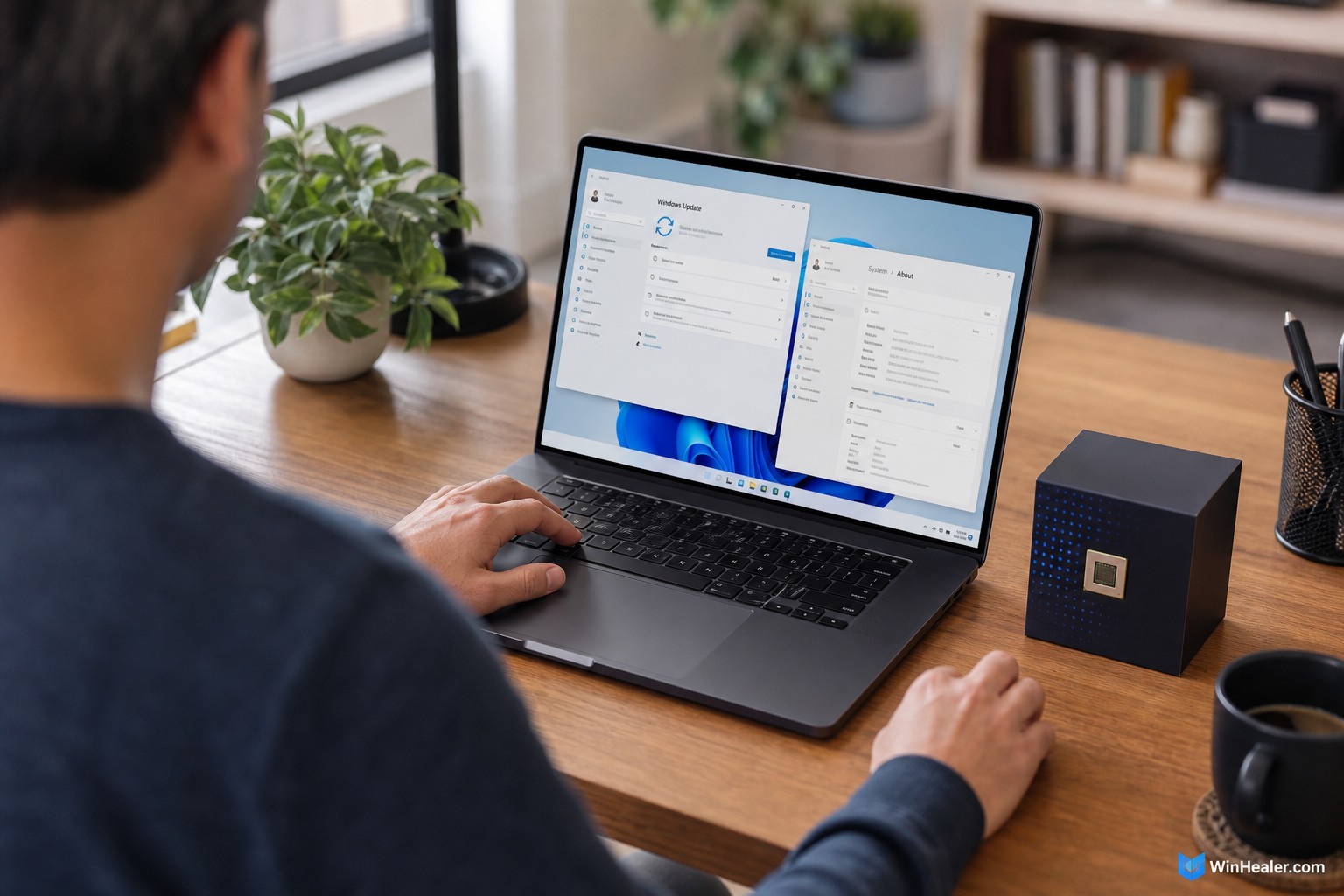
Microsoft released Windows 11 version 26H1 on February 10, 2026. Its purpose is unusually narrow: it supports new devices and silicon arriving in early 2026. Microsoft specifically identifies the first wave as PCs using Qualcomm’s Snapdragon X2 Series processors.
For everyday features, 26H1 is not positioned as a major upgrade over 25H2. Microsoft’s support documentation says it contains the same features introduced with the Windows 11 2025 Update, also known as version 25H2. The important work is underneath, in the Windows core and hardware support needed by those new machines.
This is why the “H1” label can be misleading. In many software products, a first-half release sounds like the update everyone receives before the second-half release. Here, 26H1 is a hardware-targeted branch, not the first step in a two-part consumer upgrade.
What Windows 11 26H2 is
Windows 11 26H2 is Microsoft’s standard annual feature update for the second half of 2026. Microsoft announced its first Experimental-channel preview in June 2026 and said it shares the same servicing branch as Windows 11 25H2.
That shared branch allows Microsoft to deliver 26H2 to suitable 25H2 devices through an enablement package. An enablement package is a small switch that activates features already delivered through regular servicing updates. Microsoft describes the process as a fast update requiring a single restart, although the public rollout can still be gradual.
At the time of writing, 26H2 is being previewed through the Windows Insider Program. Microsoft has described it as the next annual feature update planned for the second half of 2026, but normal users should wait for Windows Update rather than installing preview builds.
26H1 vs 26H2 at a glance
| Question | Windows 11 26H1 | Windows 11 26H2 |
|---|---|---|
| Main purpose | Support select new 2026 silicon and devices | Standard second-half annual feature update |
| Typical device | A qualifying new PC shipped with 26H1 | An existing compatible 24H2 or 25H2 PC |
| Upgrade from 25H2 | No in-place upgrade offered | Designed to use the 25H2 servicing branch |
| Feature position | Includes the feature set introduced with 25H2 | Annual 2026 feature update |
| Direct move between them | 26H1 cannot update directly to 26H2 | Not a destination for 26H1 devices |
Which version will an existing PC receive?
If your computer currently reports version 24H2 or 25H2, it will not be offered 26H1. Microsoft states this directly in both its release-information page and its 26H1 update history. For a supported device, 26H2 is the relevant future feature update.
That does not guarantee every PC will receive 26H2 on the first day. Microsoft uses phased rollouts and safeguard holds. A safeguard hold temporarily prevents an update on devices with a known compatibility problem involving a driver, application, or hardware configuration. The update can also arrive at different times depending on edition, region, update settings, and the readiness of a particular device.
The safest approach is to keep monthly updates installed and check Settings > Windows Update. Avoid registry tricks or third-party installers that attempt to bypass a compatibility hold. A delayed offer does not necessarily mean your PC is unsupported.
Which version will a new PC receive?
A new PC can receive either version depending on its hardware and shipping image. Qualifying machines designed around the new silicon supported by the separate Windows core may ship with 26H1. Other new PCs can continue to ship with 25H2 and later receive 26H2 through the normal servicing route.
The reliable signal is the version installed on the actual product, not the year printed in the advertisement. Before buying, check the manufacturer’s specifications or open Settings > System > About on a display unit. Under Windows specifications, look for the Version field.
What happens to computers already running 26H1?
Microsoft says 26H1 devices will continue to receive monthly security, quality, and feature updates. They are not abandoned. However, they cannot update directly to the second-half 26H2 release because the two versions use different Windows cores.
Instead, Microsoft says those devices will have a path to a future Windows release. The company has not described that statement as a direct 26H2 upgrade, so owners should not assume that an unsupported manual installation is necessary. Continue installing the normal updates offered to the device and follow the manufacturer’s guidance.
How to check your current Windows version
- Press Windows + R.
- Type winver and press Enter.
- Read the version and OS build in the About Windows dialog.
You can also open Settings > System > About and look under Windows specifications. Version 25H2 normally uses the 26200 build family, while retail 26H1 uses the 28000 family. Preview builds can use other build series, so the version label remains the easier reference for most people.
Should you join the Insider Program to get 26H2 early?
For a primary gaming, school, or work PC, waiting is usually the better choice. Experimental builds can contain unfinished features, driver problems, and behavior that changes before release. Joining only to obtain a higher version number adds risk without guaranteeing a better daily experience.
If you already test Windows on a spare machine, Microsoft currently uses the Experimental experience for 26H2 previews. Pay close attention to the version and branch displayed in Insider settings: Microsoft also maintains separate Beta and Experimental branches for 26H1 hardware, plus future-platform builds. Similar channel names do not mean the underlying Windows cores are interchangeable.
Common mistakes to avoid
- Do not search for a 26H1 enablement package. Microsoft does not offer 26H1 as an in-place update for a normal 24H2 or 25H2 PC.
- Do not assume 26H1 is newer in features than 25H2. Its main reason for existing is platform support.
- Do not force 26H2 onto a 26H1 device. Microsoft says there is no direct upgrade path between those releases.
- Do not confuse an Insider build with a retail rollout. Preview availability does not mean the public feature update is ready for every PC.
- Do not bypass a safeguard hold without understanding it. Waiting for a fixed driver or compatibility issue is safer than forcing the update.
Bottom line
For most WinHealer readers, 26H2 is the version to watch. Existing Windows 11 24H2 and 25H2 computers are not candidates for 26H1; compatible systems will follow the normal second-half update route when Microsoft makes 26H2 available to them.
Windows 11 26H1 belongs to a smaller category of new hardware, beginning with Snapdragon X2 Series devices. If a PC shipped with it, keep using the updates offered for that branch and wait for Microsoft’s future migration path. There is no benefit in trying to turn one branch into the other manually.
Sources and further reading
- Microsoft Learn: Windows 11 release information
- Microsoft Support: Windows 11 version 26H1
- Microsoft Support: Windows 11 version 26H1 update history
- Windows Insider Blog: 26H2 for Experimental
Editorial note: This article reflects Microsoft’s published information as of August 10, 2026. Preview channels and public rollout plans can change, so check Microsoft’s release-health pages before making deployment decisions.