A graphics card can look perfectly placed on a specification chart and still be the wrong purchase at the checkout. The Radeon RX 9070 GRE is a good example. AMD positions it as a fast 1440p card below the RX 9070, but its official US launch price of $549 is the same price AMD originally attached to the stronger RX 9070. That does not make the GRE pointless. It does mean the price on the day you buy matters more than the badge.
The short version is this: the RX 9070 GRE is a sensible 1440p upgrade when it is clearly cheaper than the RX 9070 and you are comfortable with 12GB of video memory. If the two cards are close in price, the RX 9070’s 16GB capacity and wider memory interface make it the more convincing long-term choice. This guide explains the reasoning without pretending that a manufacturer specification sheet is a substitute for independent game testing.
Where the RX 9070 GRE fits
AMD introduced the RX 9070 GRE globally at Computex 2026, with board-partner availability beginning June 2. It uses the same RDNA 4 generation as the RX 9070 and RX 9070 XT, but fewer compute resources and a narrower memory system place it between the RX 9060 XT and RX 9070.
| Official specification | RX 9060 XT 16GB | RX 9070 GRE | RX 9070 |
|---|---|---|---|
| Compute units | 32 | 48 | 56 |
| Ray accelerators | 32 | 48 | 56 |
| AI accelerators | 64 | 96 | 112 |
| Video memory | 16GB GDDR6 | 12GB GDDR6 | 16GB GDDR6 |
| Memory interface | 128-bit | 192-bit | 256-bit |
| Memory bandwidth | Up to 320 GB/s | Up to 432 GB/s | Up to 640 GB/s |
| Typical board power | 160W | 220W | 220W |
| AMD minimum PSU recommendation | 450W | 650W | 650W |
Those figures are useful for understanding product position, not predicting an exact frame rate. Games use architectures differently, and performance changes with drivers, settings, processor limits and the specific board-partner card. AMD publishes its own results for the GRE, but those are vendor tests. Check current independent reviews using the games and resolution you actually play before paying.
The 12GB question is more important than the name
Twelve gigabytes is not automatically too little for 1440p. Many current games fit comfortably when texture settings are chosen sensibly. It is also a meaningful step above 8GB cards, where high-resolution texture packs can run into a hard limit sooner. Still, the GRE has less capacity than both the 16GB RX 9060 XT option below it and the RX 9070 above it.
That odd arrangement is why buyers should separate memory capacity from GPU speed. The RX 9060 XT 16GB has more VRAM, but substantially fewer compute, ray and AI accelerators. Extra unused memory does not make a slower GPU faster. Conversely, the GRE’s stronger core cannot prevent a problem when a future game or creator workload genuinely needs more than 12GB.
For competitive games, mainstream 1440p play and a normal three-to-five-year ownership plan, 12GB can be reasonable. For heavily modified games, unusually large texture packs, local AI work or a plan to keep the card for many years, 16GB provides more breathing room. No honest guide can promise a universal expiry date because developers, engines and settings differ.
1440p is the natural target; 4K is conditional
AMD markets the RX 9070 GRE primarily around 1440p gaming. The hardware can output 4K and will run many games at that resolution, but “supports 4K” is not the same as “runs every new game at 4K Ultra.” Modern ray tracing, path tracing and maximum texture presets can change the workload dramatically.
At 1440p, the useful goal is not to max every switch. Start with the game’s High preset, check image quality in motion, then adjust the expensive settings. Ultra presets often consume disproportionately more resources for details that are hard to notice while playing. Ray-traced reflections, volumetrics and shadow quality are common candidates for one-step reductions.
At 4K, upscaling becomes more relevant. The GRE supports AMD’s current FidelityFX Super Resolution family, including the machine-learning features grouped under FSR “Redstone” on supported Radeon RX 9000 hardware and supported games. Upscaling, frame generation and ray regeneration are separate tools; their availability depends on game integration. They should not be treated as free native performance.
FSR and frame generation need a sensible base frame rate
Frame generation can make animation appear smoother by inserting generated frames, but it does not make the game logic or input sampling run at the displayed generated-frame rate. Start with settings that produce a stable, playable native or upscaled base frame rate. Then add frame generation if the game supports it and the result feels good on your monitor.
For a fast competitive shooter, responsiveness and clarity may matter more than a larger FPS counter. For a slower single-player game, generated frames can be a pleasant way to improve presentation. AMD Anti-Lag 2 is supported by the GRE, but it also requires support in applicable titles. Test rather than assuming that enabling every switch in HYPR-RX is always ideal.
Power, connectors and case fit
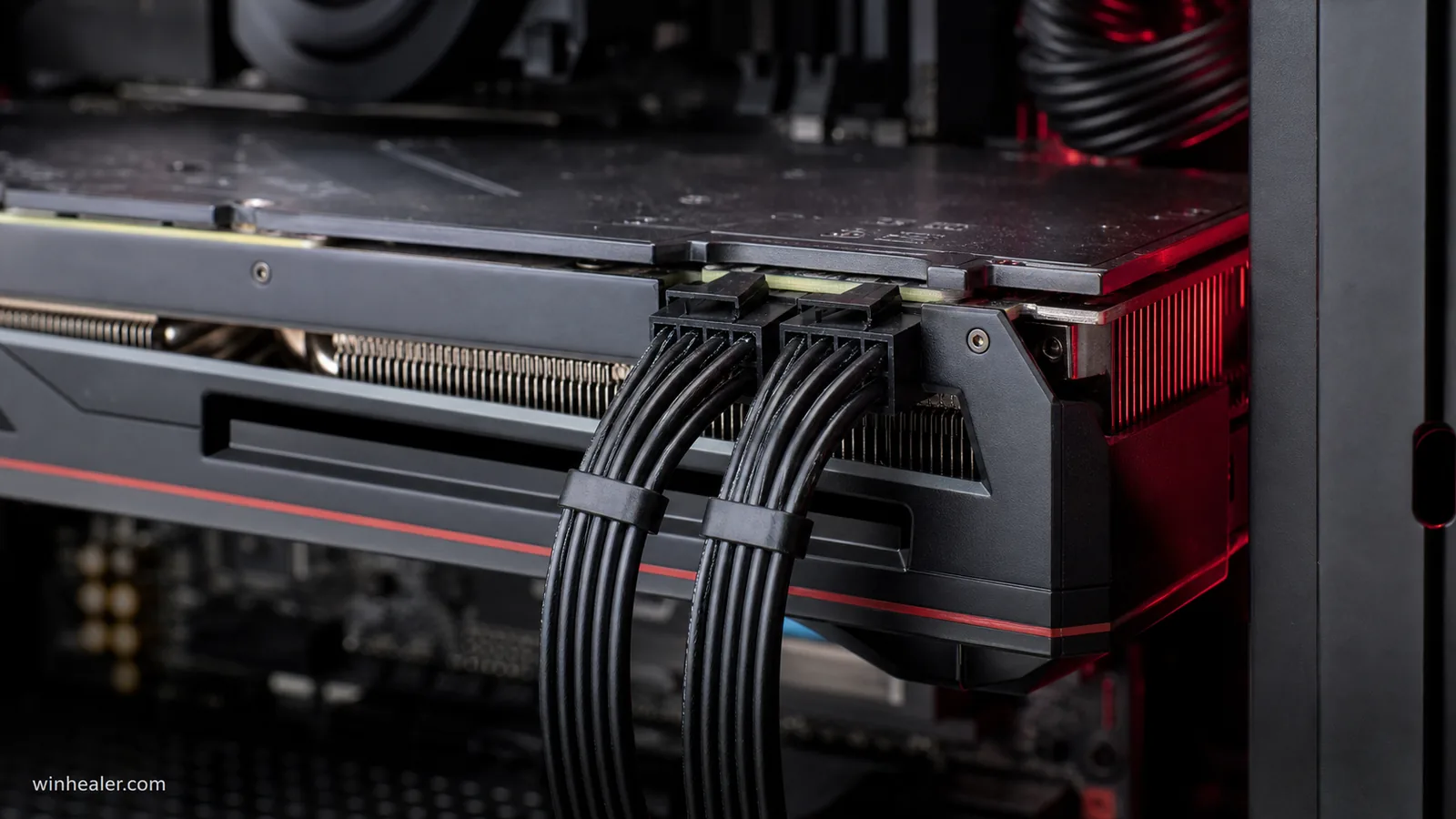
The reference specification lists 220W typical board power, a 650W minimum PSU recommendation and two 8-pin auxiliary power connectors. A quality 650W supply can be enough for a normal gaming build, but the entire system matters. A high-power processor, many drives, aggressive overclocking or a board-partner card with a raised power limit may justify more headroom.
Do not use the wattage printed on an unknown old power supply as the only test. Check its exact model, age, available PCIe cables and manufacturer guidance. When possible, use separate PSU cables for the two 8-pin sockets rather than two plugs daisy-chained from one cable. Never force an EPS/CPU connector into a graphics-card socket.
Physical dimensions are not fixed by the GPU name. AMD sells the GRE through board partners, so length, slot thickness and cooler design vary. Measure the case from the rear expansion slots to the nearest front fan or radiator. Also check thickness below the main PCIe slot and leave space for airflow; a card that technically fits can still choke against a power-supply shroud.
Display and media features
AMD lists DisplayPort 2.1a and HDMI 2.1b support, plus H.264, HEVC and AV1 encode and decode. That makes the card suitable for modern high-refresh displays and hardware-assisted recording or streaming. The maximum resolution and refresh rate you can actually use still depend on the monitor, cable, color format and the outputs chosen by the board partner.
AV1 is useful when your streaming or editing platform supports it because it can deliver good quality at a lower bitrate than older formats. It is not a reason to replace a perfectly adequate card by itself, but it is a practical addition for someone building one PC for gaming and capture.
How to decide at the store
- Compare real prices, not launch labels. Include tax and delivery, and compare reputable sellers with similar warranty terms.
- Check the RX 9070 first. If its cost is only slightly higher, its 16GB memory, wider bus and additional compute resources are worth serious consideration.
- Check the RX 9060 XT 16GB below it. A large saving may matter more than the GRE’s extra speed if you play lighter games or use a 1080p monitor.
- Read a review of the exact partner model. Noise, temperatures, dimensions and power limits vary even when the GPU is the same.
- Review your existing system. Confirm the power supply, case clearance, monitor resolution and CPU are balanced with the purchase.
Who should buy the RX 9070 GRE?
Buy it when you want strong 1440p positioning, prefer the RDNA 4 feature set, have a suitable 650W-class power supply and find the card at a meaningful discount from the RX 9070. It is also a more natural step up from the RX 9060 XT when raw GPU resources matter more than moving from 12GB to 16GB.
Skip it when the RX 9070 is close in price, your main workloads benefit from more than 12GB, or your current card already meets your monitor and game requirements. An upgrade should solve an observed limitation, not merely replace one model number with a newer one.
Final verdict
The Radeon RX 9070 GRE is a capable 1440p card caught in a difficult pricing position. Its 48 compute units, 12GB of GDDR6 and 220W board-power specification create a clear step above the RX 9060 XT in AMD’s lineup. The problem is not the silicon; it is paying too close to RX 9070 money for less memory bandwidth and capacity.
Treat it as a price-sensitive option. At the right discount, the GRE is easy to understand and easy to recommend. At $549 beside a similarly priced RX 9070, the stronger card deserves your attention first.