The PhysXLoader.dll Missing Error is a common Windows problem that mainly affects PC games using the NVIDIA PhysX physics engine. This error appears when a game cannot find the required PhysXLoader.dll file needed to process physics effects such as realistic movement, collisions, and environmental interactions.
When this DLL file is missing or corrupted, Windows may display messages such as:
- “The program can’t start because PhysXLoader.dll is missing from your computer.”
- “PhysXLoader.dll not found.”
- “The code execution cannot proceed because PhysXLoader.dll was not found.”
This error is commonly seen when launching older games, especially those that rely on NVIDIA PhysX technology.
What Is PhysXLoader.dll?
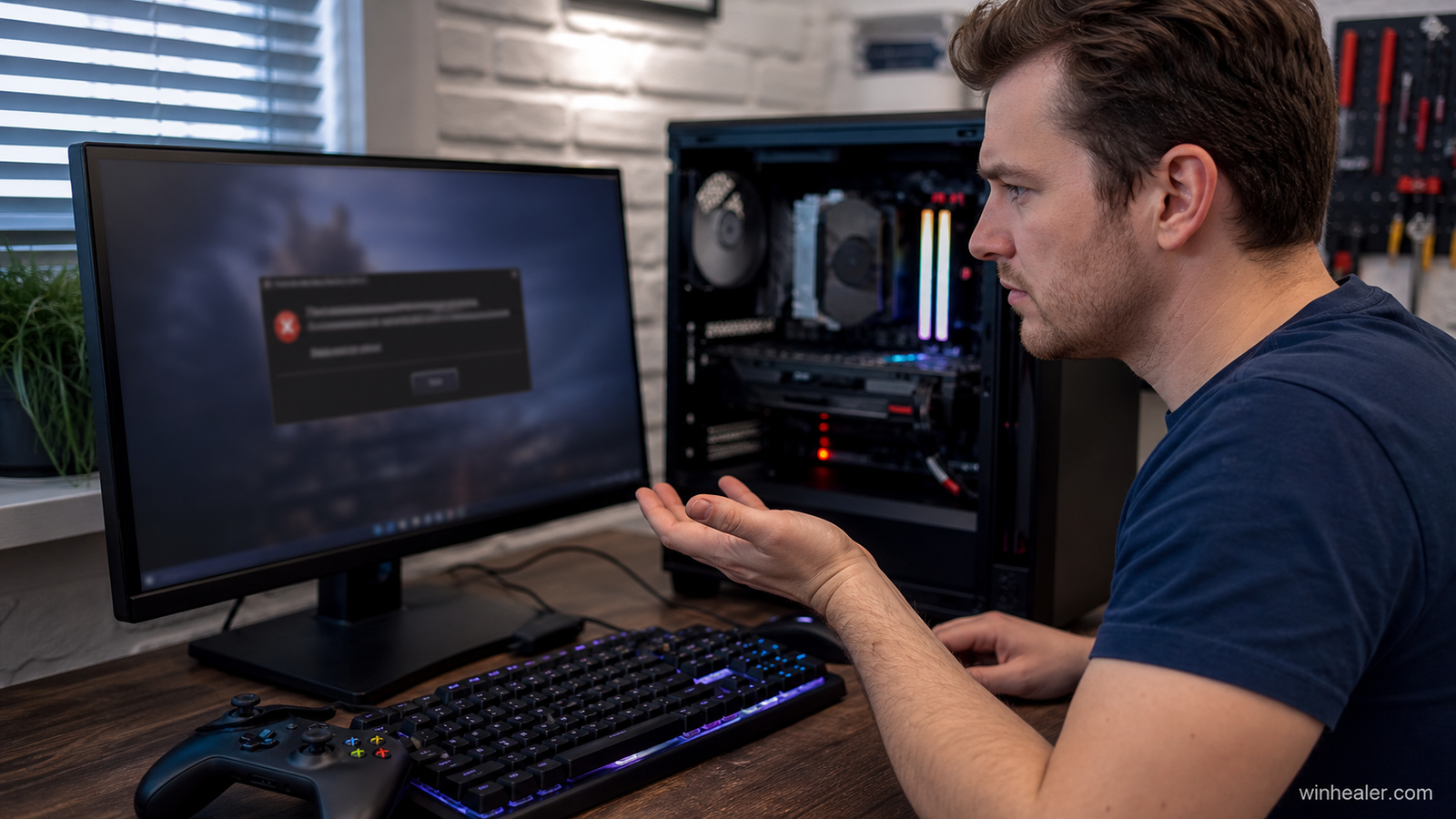
PhysXLoader.dll is a Dynamic Link Library file associated with the NVIDIA PhysX runtime. It allows games and applications to communicate with the PhysX physics engine.
PhysX is used in games to create realistic effects such as:
- Object movement and collisions
- Destruction effects
- Character physics
- Smoke, particles, and environmental interactions
If the PhysX runtime is missing, games that depend on it may fail to start.
Why Does the PhysXLoader.dll Missing Error Occur?
Several reasons can cause this error:
1. Missing NVIDIA PhysX Runtime
The most common cause is that the required PhysX software is not installed on your computer.
2. Incomplete Game Installation
Some games require PhysX components during installation. If the installation is interrupted, required files may be missing.
3. Corrupted PhysX Files
The PhysXLoader.dll file may become damaged due to system crashes, malware, or failed updates.
4. Deleted Game Files
Cleaning tools, antivirus programs, or accidental deletion may remove required game files.
5. Outdated Game Components
Older games may require specific PhysX versions that are not included with newer driver installations.
Symptoms of PhysXLoader.dll Error
Common signs include:
- Games failing to launch
- Crashes during startup
- Physics effects not working correctly
- Error messages related to NVIDIA PhysX
- Problems with older PC games
How to Fix PhysXLoader.dll Missing Error
1. Install NVIDIA PhysX System Software
The recommended solution is to install the official NVIDIA PhysX runtime.
Steps:
- Download and install the NVIDIA PhysX System Software.
- Complete the installation process.
- Restart your computer.
- Launch the affected game again.
2. Verify Game Files
If you installed the game through a gaming platform:
- Open your game launcher.
- Find the game settings.
- Use the file verification or repair option.
- Allow missing files to be restored.
3. Reinstall the Game
If the problem continues:
- Uninstall the affected game.
- Restart your computer.
- Install the game again from the official source.
- Test whether the error is fixed.
4. Update Graphics Drivers
Outdated graphics drivers may cause compatibility issues.
Update drivers through:
- NVIDIA official driver software
- Windows Update
- Device Manager
5. Run System File Checker
Windows includes a tool to repair damaged system files.
Steps:
- Open Command Prompt as Administrator.
- Type:
sfc /scann2ow
- Press Enter.
- Restart your computer after the scan completes.
6. Check Antivirus Quarantine
Sometimes security software may incorrectly remove game-related DLL files.
Steps:
- Open your antivirus program.
- Check the quarantine section.
- Restore the file if it is a legitimate game component.
- Add the game folder as an exception if needed.
Avoid Downloading PhysXLoader.dll From Random Websites
Downloading individual DLL files from unknown websites is not recommended. These files may be modified, unsafe, or incompatible with your system.
The safest solution is to install NVIDIA PhysX System Software or repair the affected game installation.
How to Prevent PhysXLoader.dll Errors
Follow these tips to avoid future problems:
- Install games from trusted sources
- Keep graphics drivers updated
- Keep PhysX components installed
- Avoid deleting files from game folders
- Verify game files after updates
- Maintain regular system backups
Conclusion
The PhysXLoader.dll Missing Error is usually caused by missing or corrupted NVIDIA PhysX components. Installing the correct PhysX runtime, repairing game files, or reinstalling the affected game can usually solve the problem.
Keeping your graphics drivers, game files, and system components updated will help prevent DLL errors and provide a smoother gaming experience.