PCIe 6.0 SSD controllers are beginning to appear in public demonstrations, but that does not mean a PCIe 6.0 gaming drive is about to replace every PCIe 4.0 SSD. The new interface doubles PCIe 5.0’s data rate, introduces a different signaling method, and gives storage makers an enormous performance ceiling. Its first serious jobs, however, are likely to be in AI infrastructure, servers, and other systems that can keep extremely fast storage busy.
For someone building a Windows gaming PC in 2026, the practical answer is reassuring: you do not need to postpone a good upgrade. PCIe 4.0 remains the value choice for most people, while PCIe 5.0 is useful for buyers with heavier storage workloads and a platform that supports it. PCIe 6.0 is exciting, but waiting for it simply to improve game loading is unlikely to be a good use of time or money.
What is PCIe 6.0?
PCI Express is the high-speed connection used by graphics cards, NVMe SSDs, network adapters, accelerators, and many other devices. PCI-SIG, the industry group responsible for the standard, released the PCI Express 6.0 specification to its members in January 2022. The standard raises the raw data rate from PCIe 5.0’s 32 GT/s per lane to 64 GT/s per lane.
A full x16 PCIe 6.0 link can provide up to 256 GB/s of bidirectional bandwidth, according to PCI-SIG. NVMe drives normally use four lanes, so the relevant ceiling for storage is much lower: roughly 32 GB/s in one direction before allowing for real implementation limits. That is approximately twice the interface bandwidth available to a four-lane PCIe 5.0 device.
| Interface | Data rate per lane | Approximate x4 ceiling | Best fit in 2026 |
|---|---|---|---|
| PCIe 3.0 | 8 GT/s | About 4 GB/s | Older PCs and low-cost upgrades |
| PCIe 4.0 | 16 GT/s | About 8 GB/s | Mainstream gaming and everyday work |
| PCIe 5.0 | 32 GT/s | About 16 GB/s | High-end creation and heavy transfers |
| PCIe 6.0 | 64 GT/s | About 32 GB/s | Early server, AI, and future professional systems |
These are interface ceilings, not promises for a retail SSD. Flash memory, controller design, firmware, thermal limits, workload, file size, queue depth, and available NAND channels all determine the speed a drive can sustain.
Why PCIe 6.0 uses PAM4, FLIT mode, and error correction
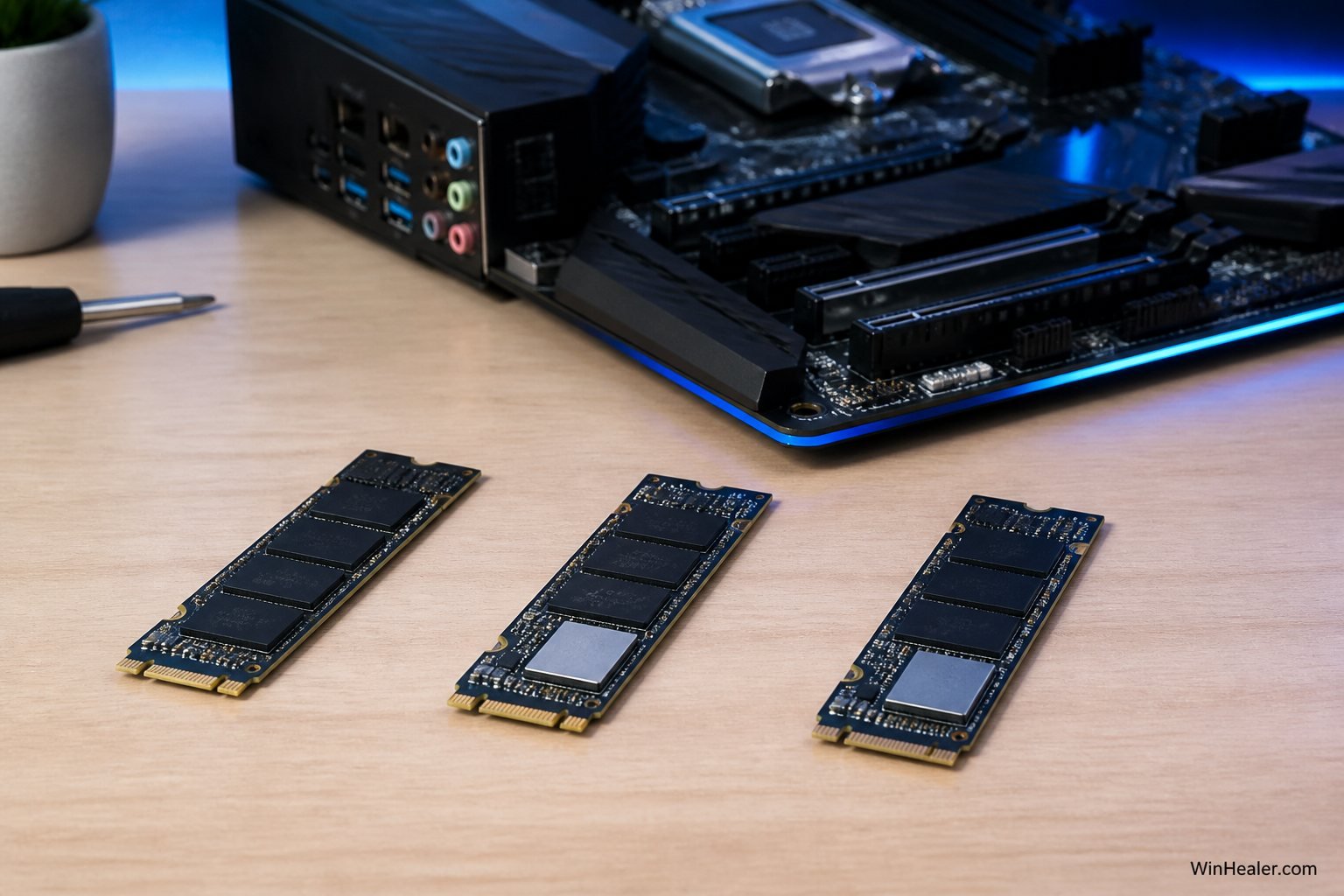
The headline number is only part of the engineering story. PCIe generations up to 5.0 used NRZ signaling, where a signal has two levels. PCIe 6.0 uses PAM4, or Pulse Amplitude Modulation with four levels. PAM4 can encode two bits in a symbol, allowing PCIe 6.0 to double the data rate while operating at the same 16 GHz Nyquist frequency associated with PCIe 5.0.
Four signal levels are more difficult to distinguish reliably than two. PCI-SIG therefore introduced fixed-size Flow Control Units, commonly called FLITs, together with lightweight Forward Error Correction and a strong cyclic redundancy check. The objective is to correct or detect errors while retaining the low latency expected from PCI Express.
PCIe 6.0 also adds the L0p low-power state. A link can reduce the number of active lanes when full bandwidth is unnecessary without stopping traffic. That matters in systems where power should scale with actual work instead of remaining at the maximum level all the time.
Are PCIe 6.0 SSDs available now?
Not as normal consumer drives you should plan a gaming build around. At Computex 2026, controller specialist Phison previewed its next-generation X3 PCIe Gen6 SSD controller and positioned it for future high-speed AI storage markets. A controller preview is an important step, but it is not the same as a finished drive on a retailer’s shelf.
A complete ecosystem is required: compatible CPUs or platform controllers, motherboards with carefully engineered signal paths, firmware, NAND that can feed the controller, validation, cooling, and operating-system support. Enterprise products also tend to arrive before affordable consumer M.2 drives because data centers can benefit from higher throughput and can justify greater cost and power consumption.
There is another useful piece of context: PCI-SIG finalized PCIe 7.0 in 2025, yet that does not make PCIe 6.0 obsolete before it reaches PCs. Standards are completed years before mass-market hardware. Enterprise and consumer adoption move on different schedules.
Will PCIe 6.0 make games load twice as fast?
Almost certainly not. Doubling interface bandwidth does not halve every loading screen.
Game loading involves many steps: locating data, reading numerous files, decompressing assets, preparing shaders, processing data on the CPU, allocating memory, and waiting for the game engine. A faster SSD only shortens the portion that is limited by storage. Once that portion becomes small, further increases in sequential throughput deliver diminishing returns.
Modern PCIe 4.0 drives already provide fast random access and several gigabytes per second of sequential throughput. A game copying one huge, perfectly sequential file may show a larger difference on a faster drive than a real loading screen containing thousands of smaller operations. DirectStorage can improve the data path in supported games, but it does not guarantee that an interface twice as fast will produce a result twice as fast.
PCIe 4.0 vs 5.0 vs 6.0: what should you buy?
Choose PCIe 4.0 for value and gaming
A quality PCIe 4.0 NVMe SSD is still the sensible default. It offers excellent Windows responsiveness, fast game loading, mature firmware, broad motherboard support, manageable temperatures, and strong price-per-terabyte value. For most gamers, capacity and drive quality matter more than moving from a good Gen4 model to the newest interface.
A 2TB drive that holds your active library is often more useful than a faster 1TB drive that forces constant uninstalling and downloading.
Choose PCIe 5.0 for demanding storage work
PCIe 5.0 makes more sense when you repeatedly transfer very large files, edit high-resolution video, build large software projects, work with sizable datasets, run multiple virtual machines, or need top sequential performance. It can also suit an enthusiast who accepts the premium and already owns a compatible motherboard.
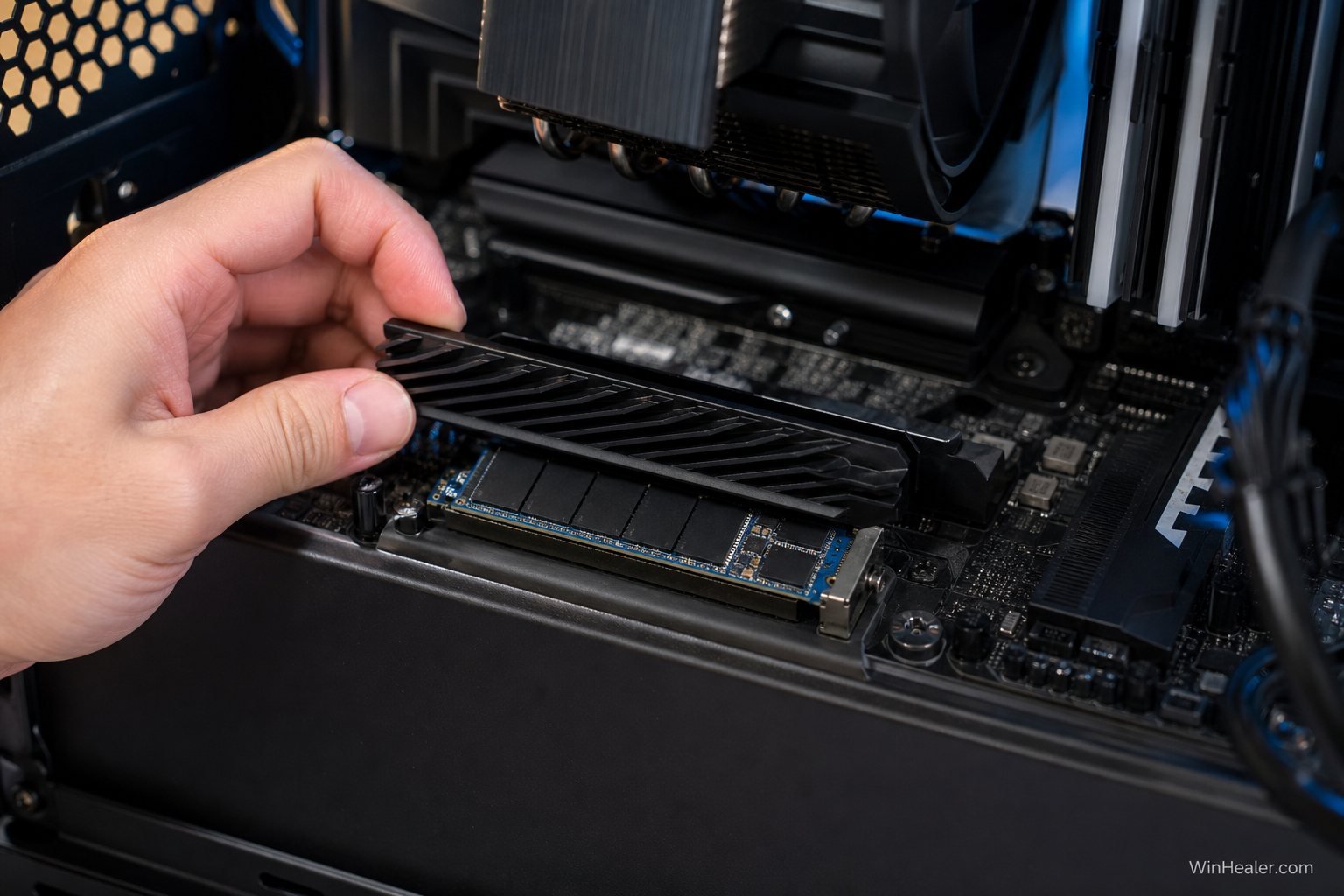
Check cooling carefully. Fast Gen5 controllers can generate enough heat to require a substantial motherboard heatsink or the cooler supplied with the drive. Buying a fast SSD and then allowing it to throttle under a tiny cosmetic cover defeats the purpose.
Wait for PCIe 6.0 only for a specific future need
Waiting can be reasonable for a professional planning a future server, AI workstation, high-bandwidth storage appliance, or platform refresh that is not required today. It is difficult to justify for an ordinary gaming PC because the release date, platform cost, drive price, power behavior, and real consumer performance are not yet established.
Will a PCIe 6.0 SSD work in an older motherboard?
PCI Express is designed for backward compatibility. A future PCIe 6.0 SSD should be able to negotiate a lower link speed in a compatible older M.2 slot, just as current PCIe 4.0 drives can operate in PCIe 3.0 systems. The drive will be limited by the older interface and by any platform-specific restrictions.
Physical fit alone is not enough. Confirm that the motherboard supports the drive’s M.2 length, NVMe protocol, lane configuration, boot mode, and desired slot. Some M.2 slots share lanes with SATA ports or PCIe expansion slots. Installing a drive can disable another connector or reduce a graphics slot’s lane width, depending on the board.
Five things that matter more than the PCIe generation
- Capacity: Leave free space for Windows updates, temporary files, game patches, and the drive’s internal management. A nearly full SSD can behave differently from a lightly used one.
- Real controller and NAND quality: Two drives carrying the same PCIe label can perform very differently after their fast cache is exhausted.
- Endurance and warranty: Check the rated terabytes written, warranty length, and whether the manufacturer has a clear support process.
- Thermal behavior: Sustained speed is valuable only if the drive can maintain it without severe throttling.
- Workload-specific performance: Sequential headline speeds are not the same as responsiveness, random performance, latency, or sustained write speed.
What PCIe 6.0 could improve first
The clearest early benefits are likely to appear where many users or accelerators need storage at the same time. AI training and inference systems move huge datasets between storage, system memory, accelerators, and networks. Servers can combine multiple fast drives and keep queue depths high enough to expose interface bottlenecks that a home PC rarely reaches.
Professional media systems, scientific computing, financial analysis, and large-scale databases may also benefit as platforms mature. Consumer improvements will follow, but they may initially appear in faster content-creation tasks rather than dramatic changes to everyday browsing or game launching.
The bottom line
PCIe 6.0 is a substantial technical upgrade: 64 GT/s per lane, PAM4 signaling, FLIT mode, error correction, and twice PCIe 5.0’s interface bandwidth. The first controller previews show that the storage industry is moving from specification work toward real products.
That progress should not stop a sensible PC purchase today. For gaming, choose a reputable PCIe 4.0 drive with enough capacity. For heavy professional transfers and a compatible high-end platform, PCIe 5.0 can be worthwhile. Treat PCIe 6.0 as an important future technology—not a reason to leave an otherwise useful PC unfinished.
Sources and further reading
- PCI-SIG: PCI Express 6.0 specification overview
- PCI-SIG: PCIe 6.0 specification release and bandwidth details
- PCI-SIG: Why PCIe 6.0 uses PAM4 signaling
- PCI-SIG: How the L0p low-power state works
- Phison: Computex 2026 PCIe Gen6 X3 controller preview
Editorial note: PCIe 6.0 consumer availability, performance, and pricing can change as controllers and platforms reach production. Interface ceilings should not be read as guaranteed speeds for a particular future SSD.