Cryptocurrency mining is one of the most interesting parts of the crypto world. Many people want to use their PC hardware to earn cryptocurrency, but mining has changed a lot over the years. Today, successful mining depends on your hardware, electricity cost, cryptocurrency choice, and market conditions.
In this guide, I will explain how PC mining works, which hardware is suitable, the best mining methods, and how beginners can start safely.
What Is Cryptocurrency Mining?
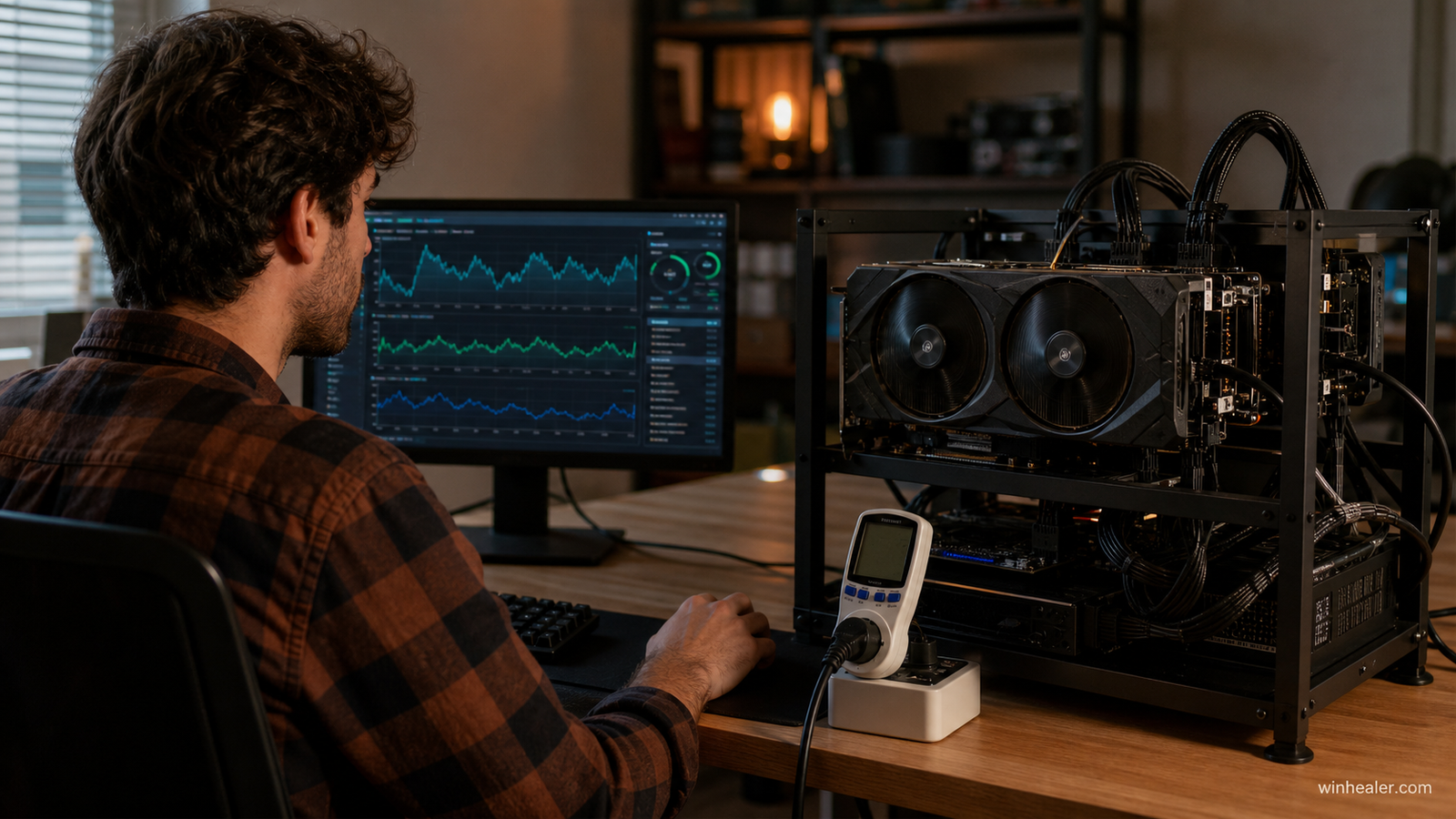
Cryptocurrency mining is the process of using computer power to verify transactions and secure a blockchain network.
Miners use:
- GPU (Graphics Card)
- CPU (Processor)
- Electricity
- Mining software
In return, miners can receive rewards in cryptocurrency.
Can You Mine Crypto With Any PC?
Technically, many PCs can mine, but profitability depends on hardware.
Low-end PC:
Example:
- Intel Pentium/Celeron
- 4GB RAM
- Integrated graphics
Usually not profitable because electricity costs are higher than earnings.
Gaming PC:
Example:
- NVIDIA RTX series GPU
- AMD Radeon GPU
- Good cooling system
Much better for mining.
Best Hardware for Crypto Mining
1. GPU Mining (Most Popular Method)
GPU mining is currently the preferred method for many home miners.
Good mining GPUs:
NVIDIA:
- RTX 3060
- RTX 3070
- RTX 3080
- RTX 4070
- RTX 4080
AMD:
- RX 6600
- RX 6700 XT
- RX 6800
- RX 7800 XT
Important factors:
✅ Low power consumption
✅ Good cooling
✅ High memory capacity
2. CPU Mining
CPU mining uses your processor.
Examples:
- AMD Ryzen processors
- Intel Core processors
CPU mining is usually less profitable but can be useful for learning.
Popular CPU mining algorithm:
- RandomX
Used by:
Monero
Best Crypto Mining Methods in 2026
The mining industry changes frequently. Instead of only looking at one coin, many miners use platforms that automatically choose profitable algorithms.
Popular approaches:
Method 1: Mining With GPU Switching Software
Beginner-friendly options:
- Automatic algorithm switching
- Easy setup
- Simple payments
Good for beginners who don’t want to manually configure everything.
Method 2: Mining Specific Coins
Advanced users can choose a specific cryptocurrency and mine directly.
Advantages:
✅ More control
✅ Choose your preferred coin
✅ Learn blockchain technology deeply
Disadvantages:
❌ More setup required
❌ Profit changes frequently
Mining Software Options
NVIDIA & AMD GPUs
Common mining software includes:
- CGMiner
- BFGMiner
- lolMiner
- TeamRedMiner (AMD-focused)
- T-Rex Miner (NVIDIA-focused)
Always download mining software from official sources to avoid malware.
How to Start Mining (Step-by-Step)
Step 1: Check Your Hardware
Find:
- GPU model
- VRAM amount
- Power consumption
- Temperature
Tools:
- GPU-Z
- MSI Afterburner
- HWiNFO
Step 2: Create a Crypto Wallet
You need a wallet address to receive mining rewards.
Options:
- Hardware wallet
- Software wallet
- Exchange wallet (less recommended for long-term storage)
Never share your private keys.
Step 3: Choose Mining Software
Install software that supports your GPU.
Configure:
- Wallet address
- Mining pool
- GPU settings
Step 4: Join a Mining Pool
Mining alone is difficult because large companies use thousands of GPUs.
Mining pools combine many miners together.
Benefits:
✅ More regular payments
✅ Easier for beginners
✅ Better chance of rewards
GPU Settings for Better Mining Performance
Mining is not only about maximum speed. Efficiency is important.
Recommended adjustments:
Reduce power limit
Benefits:
- Lower electricity cost
- Lower temperatures
- Longer GPU life
Adjust:
- Core clock
- Memory clock
- Fan speed
Tools:
- MSI Afterburner
- AMD Adrenalin Software
Mining Temperature Guide
Good mining temperatures:
- 50°C – 70°C: Excellent
- 70°C – 80°C: Acceptable
- 85°C+: Reduce settings
Keep your PC clean from dust and maintain good airflow.
Is Crypto Mining Profitable?
Profit depends on:
- Electricity price
- GPU efficiency
- Crypto market price
- Mining difficulty
Before starting, calculate:
Mining income – electricity cost = actual profit
A powerful GPU does not always mean profit.
Common Mining Mistakes
Avoid these mistakes:
❌ Mining with overheating hardware
❌ Using unknown mining software
❌ Ignoring electricity cost
❌ Running maximum power 24/7
❌ Expecting instant income
My Recommended Beginner Setup
For someone starting today:
PC:
- Modern NVIDIA or AMD GPU
- 16GB RAM
- Good power supply
- Good cooling
Software:
- GPU monitoring tool
- Trusted mining software
- Secure wallet
Start small and learn before investing more money.
Final Thoughts
Crypto mining can be a great way to learn about blockchain technology and computer hardware. However, mining is not guaranteed income. The smartest miners focus on efficiency, electricity costs, and protecting their hardware.
Use your PC wisely, monitor temperatures, and always research before investing.
Mining is not just about earning crypto — it is about understanding the technology behind it.