Quick answer: DaVinci Resolve is the strongest free professional starting point, Adobe Premiere remains a flexible subscription choice for collaborative Creative Cloud workflows, and simpler editors such as CapCut or PowerDirector reduce the learning curve. Choose by workflow and codec support, not feature count.
This WinHealer guide was reviewed for July 2026. Availability, software features and street prices can change, so use the decision process below and confirm current details before buying or installing.
What matters most
Test your real camera files before committing. H.264, HEVC, 10-bit formats, variable-frame-rate phone clips and RAW media can behave differently across hardware and editions.
Proxy media converts demanding footage into easier editing files while preserving the originals for export. It is often a better solution than buying hardware immediately.
GPU acceleration helps effects, color work and encoding, but RAM, fast storage and media organization still determine everyday smoothness.
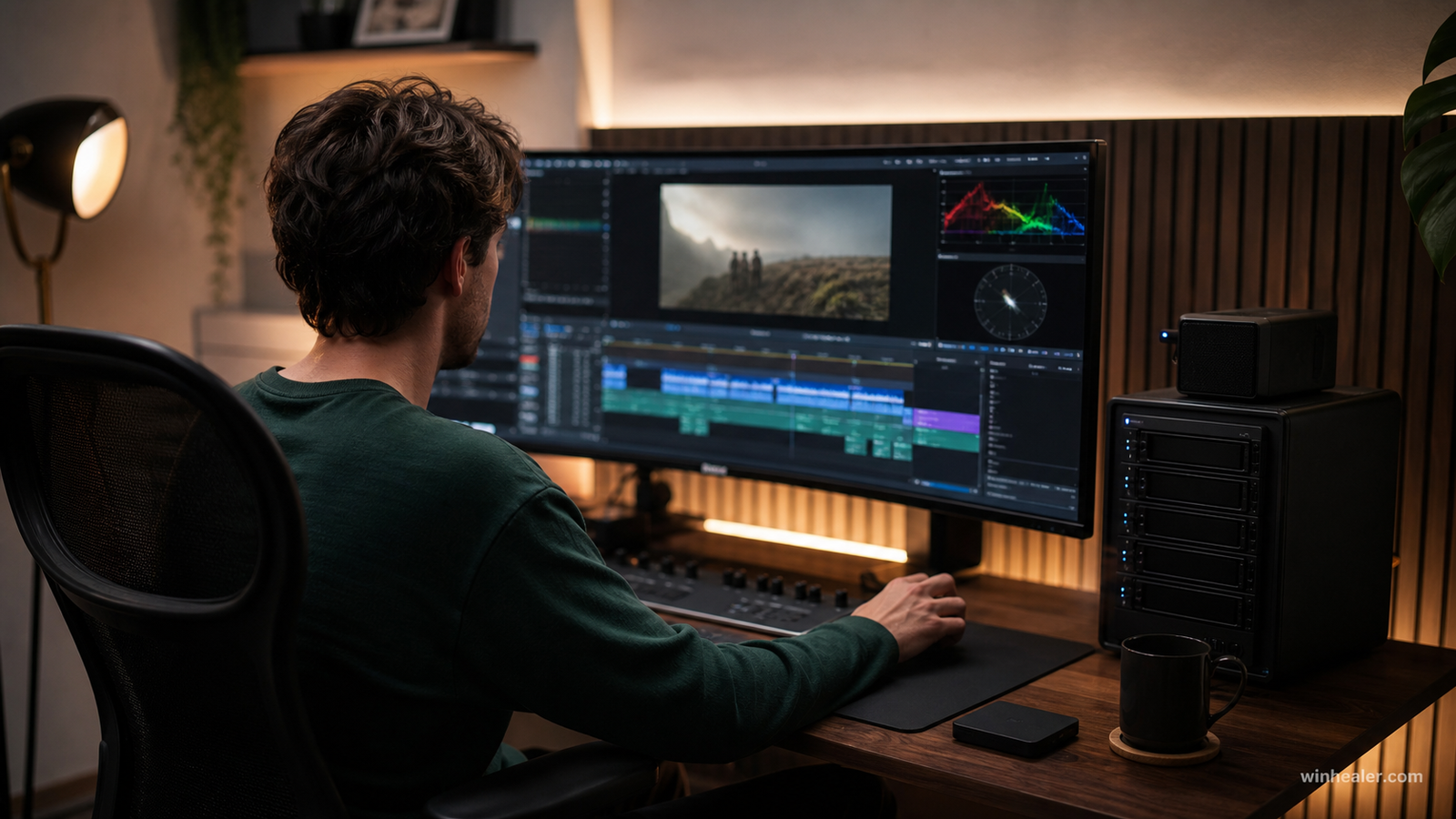
Best video-editing tools compared
There is no single editor that is best for everyone. The numbered format is for clarity, while the right choice depends on your footage, computer, budget and preferred workflow.
1. DaVinci Resolve
Best free professional option for editing, color, audio and visual effects in one application. Studio adds advanced features and broader acceleration.
Best for: Editors who want a powerful free starting point and a path into professional color, audio and effects.
What to know before choosing: Resolve combines editing, Fusion effects, Fairlight audio and advanced color tools. Its depth is a strength, but new users should expect a learning curve and should check Blackmagic’s current hardware guidance.
2. Adobe Premiere
Best for teams already using After Effects, Photoshop and shared Adobe workflows. The subscription cost should be evaluated over several years.
Best for: Professionals, agencies and creators already using Adobe apps.
What to know before choosing: Premiere is especially practical when projects move between Photoshop, After Effects and shared team workflows. It uses a subscription model, so compare the ongoing cost with the collaboration and integration features you actually need.
3. CapCut Desktop
Fast for social video, captions and template-led editing. Review cloud, licensing and export requirements for commercial work.
Best for: Beginners and social-media creators who prioritize speed.
What to know before choosing: CapCut Desktop emphasizes templates, captions and quick vertical-video workflows. Review its current account, cloud and commercial-use terms if you handle client or confidential footage.
4. CyberLink PowerDirector
A practical middle ground for creators wanting a guided interface with more depth than a basic editor.
Best for: Home users and creators who want guided tools without a steep professional workflow.
What to know before choosing: PowerDirector balances timeline control with templates and assisted features. Compare the perpetual and subscription options available in your region before choosing.
5. Shotcut or Kdenlive
Open-source choices for straightforward editing without a subscription. Test stability and codec behavior on your own projects.
Best for: Users who need an open-source editor without a subscription.
What to know before choosing: Both can handle standard timeline editing and common formats, but their workflows differ. Test each with a short copy of your real footage before committing to a large project.
Practical checklist
- Download trial or free edition
- Test native camera files
- Create a proxy workflow
- Keep cache on a fast SSD
- Back up project files separately from media
Frequently asked questions
How much RAM do I need?
Sixteen gigabytes is a practical floor for light work; 32 GB is more comfortable for 4K, multicamera, Fusion or large projects.
Do I need a powerful GPU?
Not for basic cuts, but GPU capability matters increasingly for effects, noise reduction, color and modern codecs.
Is free software good enough?
Yes. Resolve, Shotcut and Kdenlive can produce professional results; workflow fit and operator skill matter more than price.
Final verdict
Start with your real use case, confirm compatibility and test the option that best fits your budget and workflow. Avoid paying for specifications you cannot use, and favor products or software with clear support, updates and return terms.
Official references
Editorial note: WinHealer does not guarantee future pricing or availability. Recommendations are based on documented features and practical suitability, not sponsored placement.