Quick answer: Choose the Ryzen 7 7800X3D when gaming is the main job and the price is sensible. Choose the Ryzen 7 7700X when you also spend a meaningful amount of time rendering, compiling, encoding, or running other clock-sensitive work—and especially when it is substantially cheaper. Both are eight-core, 16-thread Zen 4 processors for the AM5 socket, but they are tuned for different priorities.
This comparison replaces an earlier WinHealer article that referred to a “Ryzen 7 7700X3D.” AMD does not list a processor by that name. The official products are the Ryzen 7 7700X and Ryzen 7 7800X3D. That distinction matters because their cache, clock speeds, power targets, and best uses are different.
Specifications that actually affect the decision
| Specification | Ryzen 7 7700X | Ryzen 7 7800X3D |
|---|---|---|
| Architecture / socket | Zen 4 / AM5 | Zen 4 / AM5 |
| Cores / threads | 8 / 16 | 8 / 16 |
| Maximum boost | Up to 5.4 GHz | Up to 5.0 GHz |
| L3 cache | 32 MB | 96 MB |
| Default TDP | 105 W | 120 W |
| Memory | DDR5 | DDR5 |
| CPU cooler included | No | No |
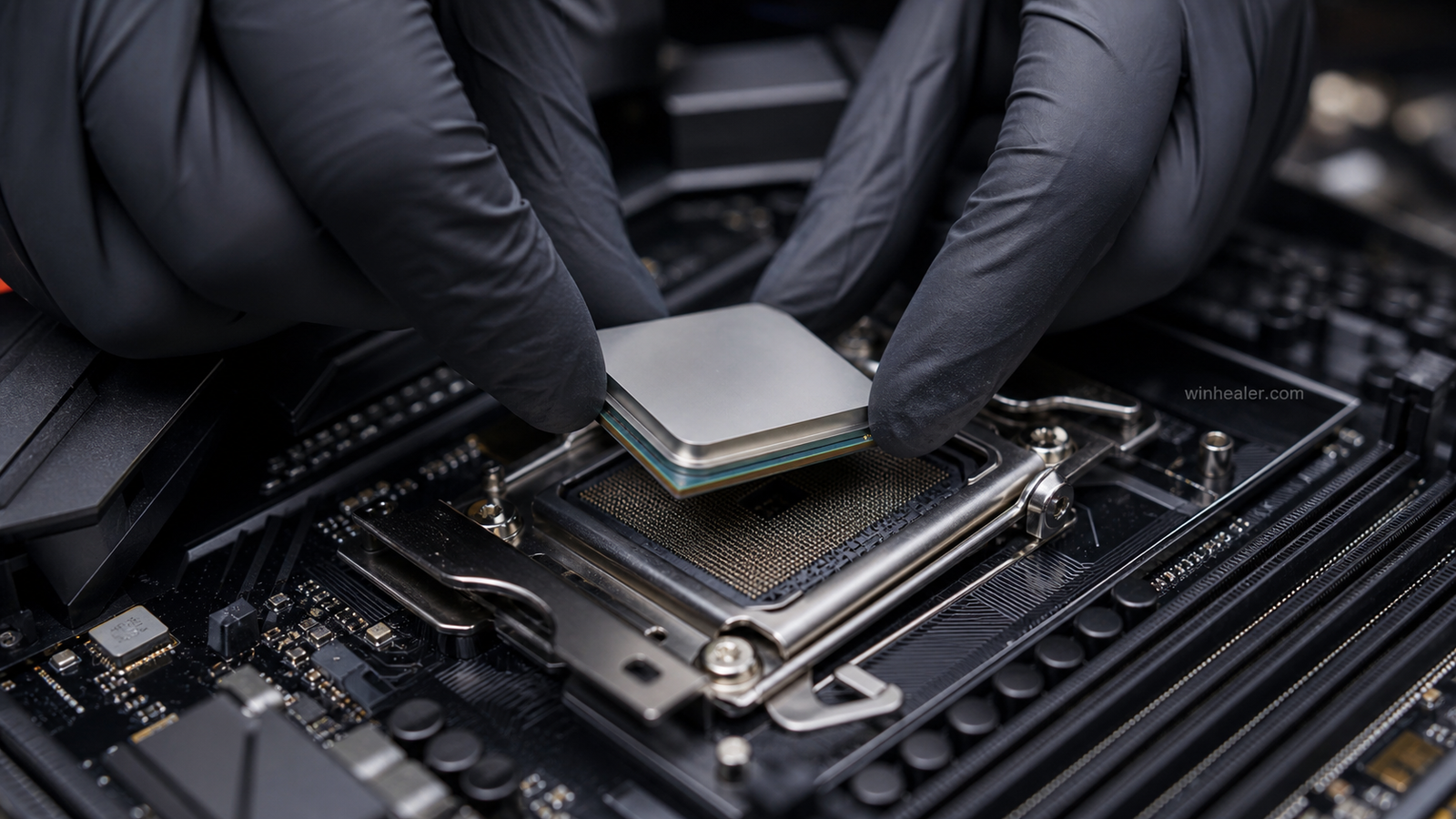
The 7800X3D’s defining feature is its 3D V-Cache: an additional cache layer that gives games more nearby data and can reduce trips to system memory. The 7700X instead runs at higher advertised clock speeds. Neither advantage wins every workload, which is why a one-line “X3D is always faster” answer is misleading.
Gaming: where the 7800X3D earns its name
At CPU-limited settings—typically a powerful graphics card, 1080p or performance-oriented 1440p settings, and a high-refresh monitor—the 7800X3D is usually the more capable gaming processor. The benefit is often most visible in simulation, strategy, competitive, and open-world games that repeatedly access large working data sets.
That does not mean every player will see a dramatic difference. At 4K with demanding image-quality settings, the graphics card frequently becomes the limit. A midrange GPU can also hide much of the CPU gap. In those situations, spending the price difference on the graphics card, monitor, or a larger SSD may improve the whole system more than changing between these two CPUs.
Frame-rate averages are only part of the story. Consistent frame delivery and stronger 1% lows can make motion feel steadier, but results still vary by game version, GPU driver, memory settings, background software, and motherboard firmware. Treat any benchmark chart as a description of one test system rather than a promise for every PC.
Productivity and everyday work
The 7700X’s higher boost ceiling makes it a sensible mixed-use option. Applications that care more about clock speed than extra cache can favor it, while both chips provide the same core and thread count. For heavy all-day rendering, however, neither eight-core model is automatically the best value; a discounted 12-core processor may finish long multicore jobs faster.
For browsing, office work, streaming video, and ordinary multitasking, both processors are far beyond what most users need. You should not pay extra for the 7800X3D expecting Windows itself to feel noticeably quicker.
Cooling and power are not explained by TDP alone
AMD lists the 7700X at 105 W and the 7800X3D at 120 W, but those figures are not direct predictions of wall power or cooler temperature. Ryzen 7000 processors actively use thermal and electrical headroom, and real behavior depends on workload, BIOS settings, cooler, case airflow, and ambient temperature.
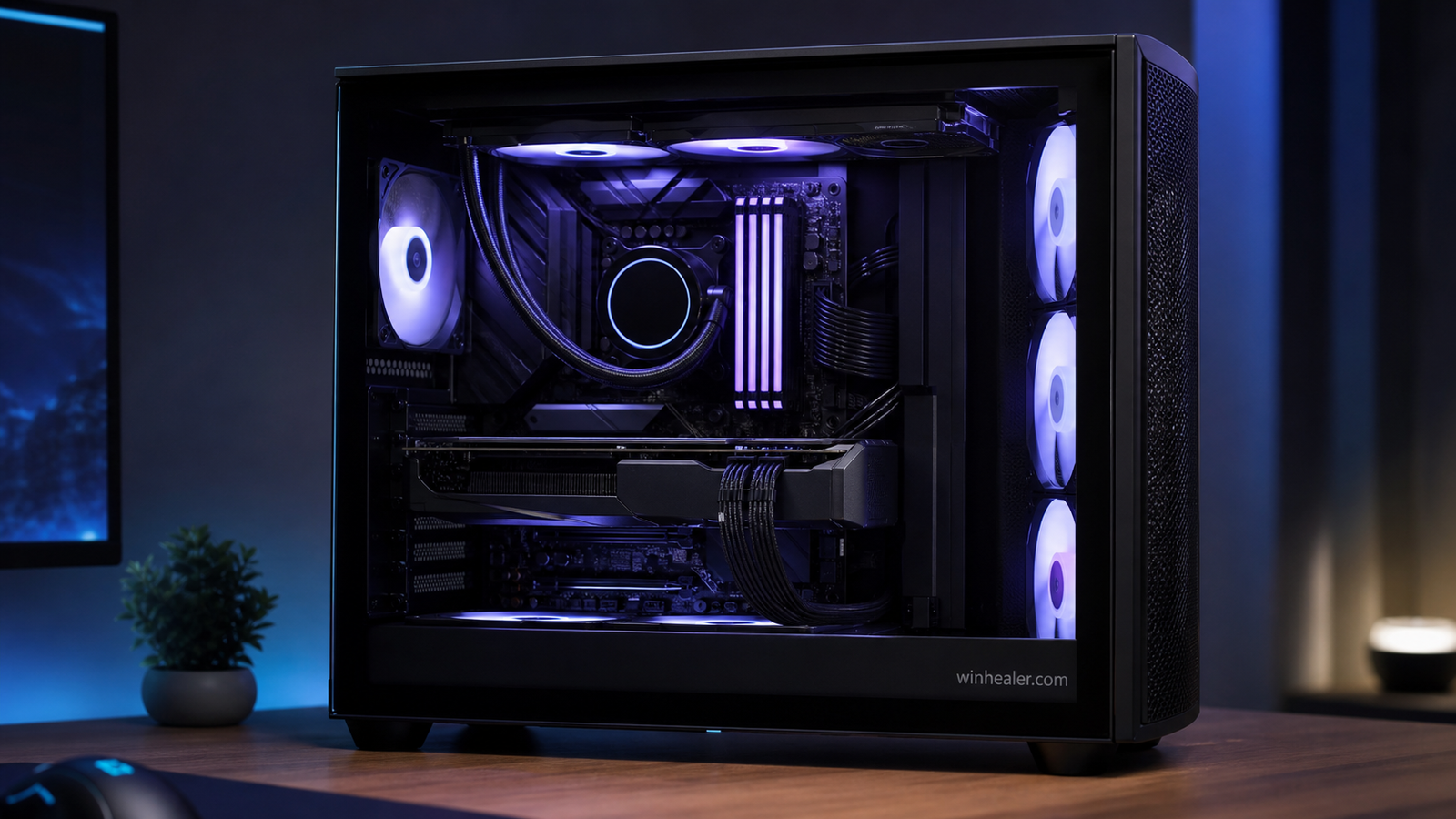
A good dual-tower air cooler or capable 240 mm liquid cooler is a practical match for either chip in a gaming build. The 7800X3D’s stacked cache is temperature-sensitive, so avoid casual manual voltage experiments. Update the motherboard BIOS, use stock behavior first, and make one measured change at a time if you later tune Curve Optimizer or memory.
Motherboard and memory requirements
Both CPUs work on compatible AM5 motherboards after the required BIOS support is installed. A quality B650 or B850 board is enough for most gaming systems; an expensive X-series board does not make the processor inherently faster. Pay for the ports, storage slots, networking, expansion layout, and firmware features you will actually use.
Use a two-module DDR5 kit rather than filling four slots unless capacity demands it. DDR5-6000 with an AMD EXPO profile is a common performance-oriented target for Zen 4, but the stable setting depends on the specific CPU memory controller, motherboard, BIOS, and memory kit. Check the board’s memory support list and test stability instead of assuming an advertised overclock is guaranteed.
Who should buy each processor?
Buy the Ryzen 7 7800X3D if:
- Your priority is maximizing gaming performance on an AM5 build.
- You use a high-end GPU and a high-refresh display.
- The games you play are frequently CPU-limited.
- The price is close enough to newer X3D alternatives to remain competitive.
Buy the Ryzen 7 7700X if:
- It is available at a substantially lower price.
- Your PC splits its time between gaming and clock-sensitive creative work.
- Your GPU or target resolution makes the gaming difference small.
- You would rather move the saved budget into the GPU, storage, or monitor.
Upgrade advice in 2026
If you already own a 7700X, moving to a 7800X3D is a specialized gaming upgrade, not a universal one. Check reliable benchmarks for the exact games, resolution, and GPU you use. If the GPU is already near full utilization, the CPU swap may produce little visible improvement.
For a new AM5 system, compare both processors with current Ryzen 9000-series and X3D pricing rather than buying from an old launch-day ranking. The 7800X3D remains a strong gaming chip, but “strong” and “best value today” are not always the same thing.
Final verdict
The Ryzen 7 7800X3D is the clearer choice for a gaming-first PC when the system is powerful enough to expose its cache advantage. The Ryzen 7 7700X is the more balanced buy when it costs meaningfully less or when gaming shares priority with general productivity. Start with the workload and the full system budget, then choose the processor; doing it in the opposite order is how otherwise good builds become unbalanced.
Sources checked: AMD’s official Ryzen 7 7700X specification page and AMD’s Ryzen 7000 desktop processor reference guide. Product availability and street pricing change, so this guide avoids fixed retail-price claims.