Quick answer: The best budget gaming mouse is the one that fits your hand and grip without forcing you to accept an unreliable sensor or connection. Start with shape, then choose wired or low-latency 2.4 GHz wireless. A modest 1,000 Hz polling rate is already enough for most players.
This WinHealer guide was reviewed for July 2026. Availability, software features and street prices can change, so use the decision process below and confirm current details before buying or installing.
What matters most
Shape matters more than headline DPI. Palm users usually prefer a fuller rear hump, claw users need stable contact under the knuckles, and fingertip users often benefit from a shorter, lighter shell.
Modern entry-level sensors are generally accurate enough for competitive play. Focus on consistent tracking, sensible lift-off distance and software that can save settings to onboard memory.
Wireless is convenient, but include battery type, receiver placement and replacement cost in the decision. A good wired mouse remains the simplest low-cost option.
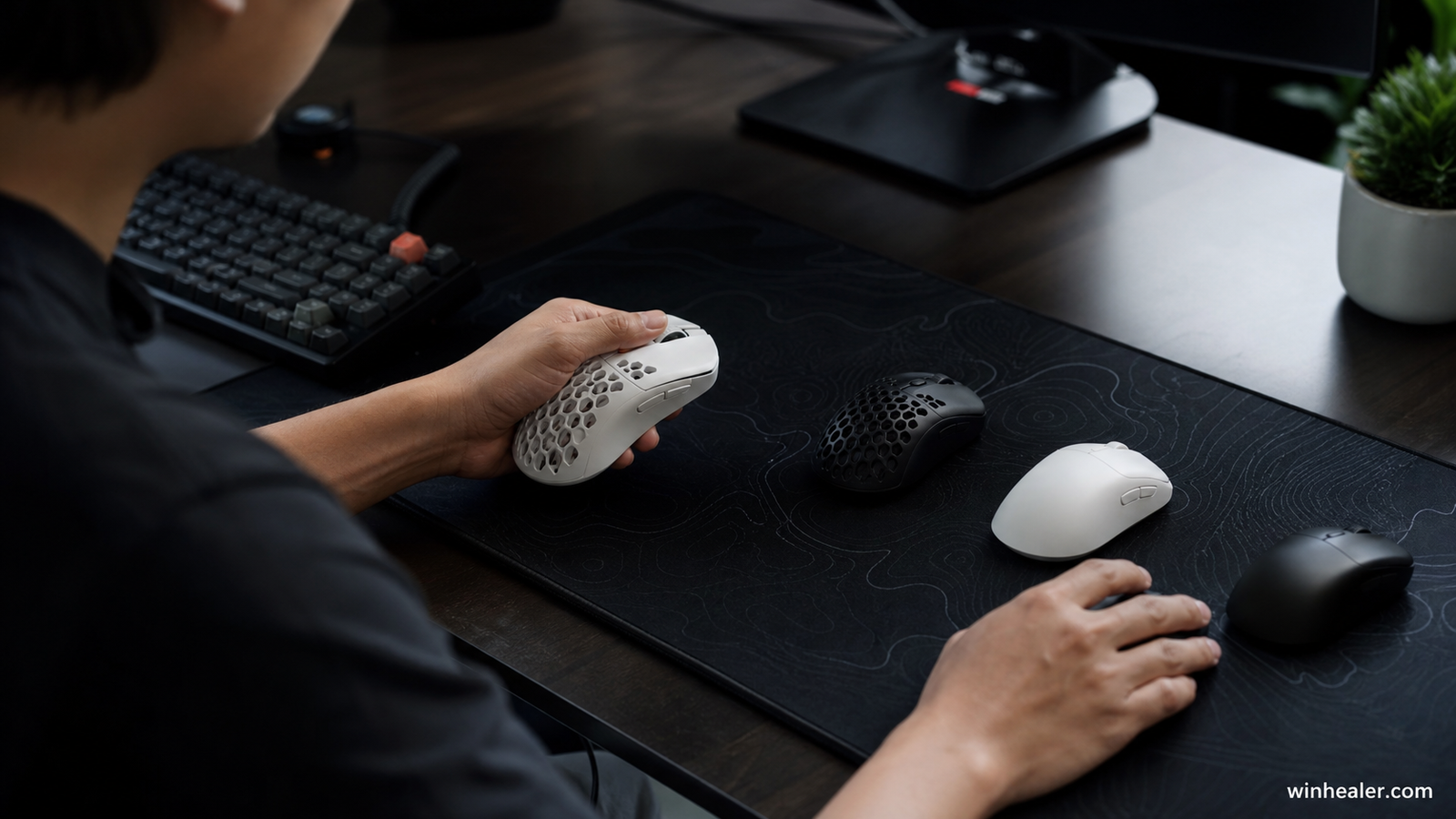
Recommended budget gaming mice
The list is numbered for clarity, not as an absolute ranking. Hand size, grip style, shape and local price matter more than small sensor differences.
1. Logitech G305 LIGHTSPEED
A proven wireless value with dependable 2.4 GHz performance and replaceable-battery convenience. Its compact egg-shaped shell suits claw and fingertip grips better than large palm grips.
Best for: Players who want proven low-latency wireless on a modest budget.
What to know before choosing: It uses a replaceable battery and has a compact shape. Check the weight and shape against your grip because value is irrelevant if the mouse feels uncomfortable.
2. Razer Cobra
A sensible lightweight wired choice for small and medium hands. The cable removes charging concerns, and the familiar symmetrical shape is easy to recommend for mixed gaming.
Best for: Players who want a light, straightforward wired mouse.
What to know before choosing: A wired connection removes charging concerns, but cable feel and desk routing still matter. It is best suited to smaller or medium hands depending on grip.
3. HyperX Pulsefire Haste 2 Core Wireless
A useful budget option for players who want a lighter wireless shell and straightforward controls. Check the local warranty and current street price against the G305.
Best for: Players who want affordable wireless with a lighter modern shape.
What to know before choosing: Compare its battery system, software support and local warranty with similarly priced alternatives. Shape should remain the deciding factor.
4. SteelSeries Rival 3 Gen 2
A balanced everyday gaming mouse when comfort and durability matter more than chasing the lowest possible weight.
Best for: Players who prefer a familiar right-handed shape and practical everyday controls.
What to know before choosing: It is a sensible all-round option rather than a specialist ultra-light design. Confirm the exact generation because specifications can differ.
5. Endgame Gear OP1
A strong wired option for claw grip and precise FPS control. The narrow shape is excellent for some hands but should be tried before buying.
Best for: Competitive players who prefer a precise wired shape.
What to know before choosing: Its focused design suits players who value clicks and hand control over many extra buttons. Confirm hand-size compatibility before buying.
Practical checklist
- Measure hand length and width
- Match the shell to palm, claw or fingertip grip
- Prefer 2.4 GHz wireless over Bluetooth for competitive play
- Keep the receiver close to the mousepad
- Confirm return policy and replacement feet availability
Frequently asked questions
Is a cheap gaming mouse accurate enough?
Yes. Many affordable models use sensors that track cleanly at normal gaming DPI. Shape, click feel and connection quality usually affect the experience more than extreme DPI claims.
Is wired faster than wireless?
Good 2.4 GHz gaming wireless can perform on the same practical level as wired. Bluetooth is better reserved for office use or battery saving.
What polling rate should I use?
Use 1,000 Hz unless your system and game clearly benefit from more. Higher rates increase CPU and battery demand and are not an automatic upgrade.
Final verdict
Start with your real use case, confirm compatibility and test the option that best fits your budget and workflow. Avoid paying for specifications you cannot use, and favor products or software with clear support, updates and return terms.
Official references
Editorial note: WinHealer does not guarantee future pricing or availability. Recommendations are based on documented features and practical suitability, not sponsored placement.