Intel’s Core Ultra 7 270K Plus is not a completely new desktop architecture. It is a focused 2026 update to the Arrow Lake platform, adding more Efficient-cores, more cache and faster official memory support while retaining the LGA1851 socket. That makes it interesting for a new build, but it does not automatically make a Core Ultra 7 265K obsolete.
Short answer: the 270K Plus is the better specified processor and the sensible default when building a new LGA1851 system at a similar total price. Existing 265K owners should usually keep what they have. The refresh preserves the same peak turbo frequency and maximum turbo power, and its largest gains are likely to appear in suitable multi-threaded workloads or supported, CPU-limited games—not every PC task.
Core Ultra 7 270K Plus vs 265K specifications
| Specification | Core Ultra 7 270K Plus | Core Ultra 7 265K |
|---|---|---|
| Architecture / family | Arrow Lake, Core Ultra Series 2 | Arrow Lake, Core Ultra Series 2 |
| Total cores | 24: 8 Performance-cores + 16 Efficient-cores | 20: 8 Performance-cores + 12 Efficient-cores |
| Total threads | 24 | 20 |
| Maximum turbo frequency | 5.5GHz | 5.5GHz |
| P-core maximum turbo | 5.4GHz | 5.4GHz |
| E-core maximum turbo | 4.7GHz | 4.6GHz |
| Intel Smart Cache | 36MB | 30MB |
| Total L2 cache | 40MB | 36MB |
| Official memory support | Up to DDR5-7200 | Up to DDR5-6400 |
| Maximum memory capacity | 256GB | 256GB |
| Processor base / maximum turbo power | 125W / 250W | 125W / 250W |
| Integrated graphics | Intel Graphics, 4 Xe-cores | Intel Graphics, 4 Xe-cores |
| NPU | Intel AI Boost, 13 NPU TOPS | Intel AI Boost, 13 NPU TOPS |
| Socket | LGA1851 | LGA1851 |
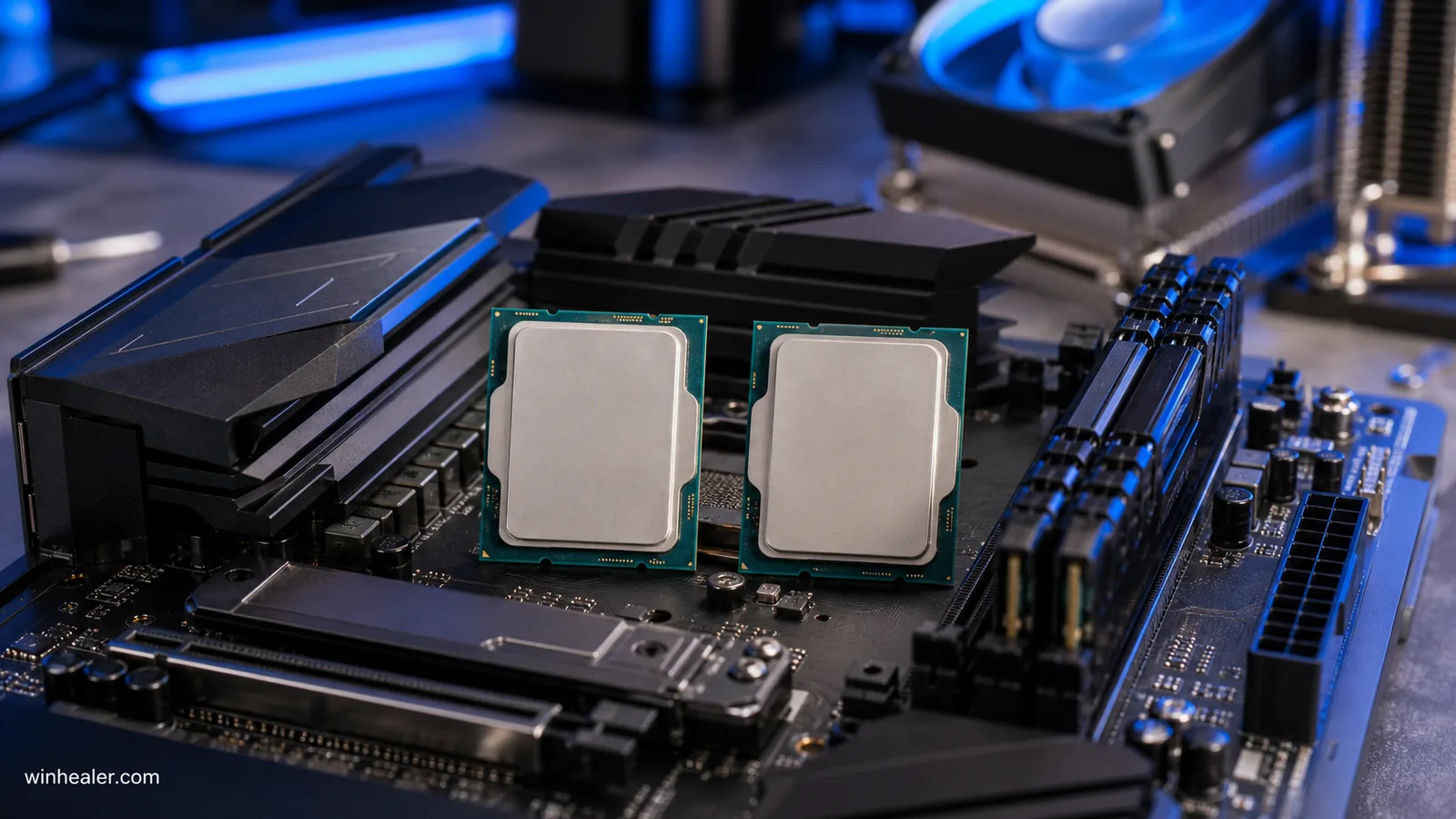
The clearest hardware change is four additional E-cores. The two processors retain eight P-cores and the same 5.5GHz overall maximum turbo frequency. The 270K Plus also has 6MB more Smart Cache, 4MB more total L2 cache and a small increase in maximum E-core turbo speed. Its P-core and E-core base frequencies are actually listed slightly lower, so the refresh is not simply the old chip running at a higher clock everywhere.
What does “Plus” change in real use?
Extra E-cores give the operating system more resources for parallel work. Rendering, encoding, compiling code and heavily threaded multitasking are the kinds of jobs most likely to benefit. The exact improvement depends on whether an application scales across the extra cores and how the motherboard manages power. A lightly threaded utility may show little difference because peak P-core turbo remains the same.
Gaming performance: read Intel’s claim carefully
Intel says the Core Ultra 7 270K Plus can deliver up to a 15% geomean gaming improvement over existing Core Ultra Series 2 desktop processors. The company’s footnote describes a comparison with the 265K across 38 games at 1080p High, with Intel Binary Optimization Tool enabled when supported. That is useful evidence of Intel’s target, but it remains a manufacturer test rather than an independent guarantee.
A 1080p test with a fast graphics card is designed to expose CPU differences. At 1440p or 4K, the GPU is more likely to become the limit, so the gap may shrink. Results can also vary with the game build, Windows version, BIOS, memory, graphics driver and whether Intel’s optimization software recognizes the title. Buyers should check independent testing that reports both average FPS and frame-time lows.
DDR5-7200 support is useful, but it is not an upgrade command
Intel lists the 270K Plus for up to DDR5-7200, compared with up to DDR5-6400 for the 265K. That is an official supported data rate, not a promise that every memory kit, capacity and motherboard layout will behave identically. DIMM count, module rank, BIOS training and the board’s validated-memory list still matter.
Intel also announced early support for four-rank CUDIMM modules on selected 800-series motherboards. That technology is mainly interesting for users who need unusually high desktop memory capacity without giving up modern memory design. It should not be assumed to work on every existing board. Check the board maker’s CPU support list, BIOS notes and memory QVL before purchasing expensive modules.
An owner already running a stable DDR5-6400 or tuned kit should not replace it merely because 7200 is a larger number. Real gains depend on latency and workload as well as transfer rate. Stability is worth more than a small benchmark increase, especially on a workstation used for long renders or code builds.
Same socket does not mean zero preparation
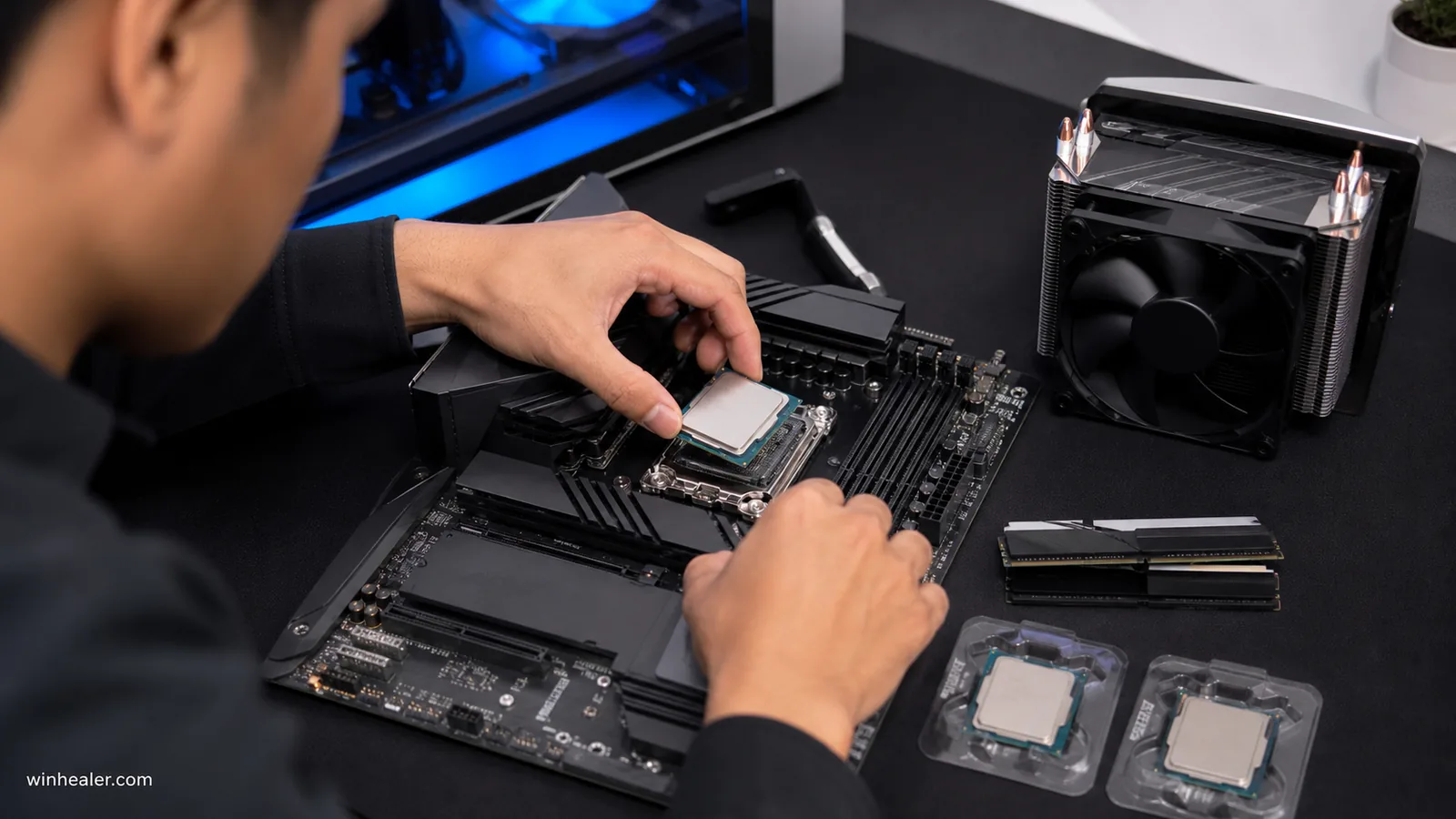
Intel states that the Core Ultra 200S Plus processors maintain compatibility with 800-series chipset motherboards already on the market. That is good news for LGA1851 owners, but the motherboard still needs firmware that recognizes the new CPU. Before removing the 265K, confirm the exact board revision and install the BIOS version recommended by its manufacturer.
Application Optimization and the Binary Optimization Tool
Intel Application Optimization, commonly called APO, applies per-game policies on supported Intel systems. For the 200S Plus launch, Intel also described a Binary Optimization Tool within APO’s advanced mode. Intel says it can improve native performance in selected games by optimizing how code runs on the processor.
The important words are “selected games.” It is optional software, support is title-specific, and the available list can change. A buyer should not apply an Intel percentage to an unsupported game or assume the tool replaces developer optimization. Intel’s current download page also provides a Platform Performance Package that gathers the relevant performance components for supported Windows 11 installations.
Power, cooling and motherboard limits
Both CPUs carry a 125W processor base power and 250W maximum turbo power specification. The 270K Plus is therefore not automatically easier to cool despite being newer. Sustained temperatures and noise depend on the workload, cooler, case airflow, motherboard power behavior and room temperature.
A strong air cooler or suitable liquid cooler may work, but the useful question is whether it can hold acceptable temperature and noise during the owner’s longest workload. Motherboards also vary in voltage behavior and default power settings. For a fair comparison, use current firmware and Intel-recommended limits rather than an aggressive board preset that quietly changes power consumption.
Should an existing 265K owner upgrade?
For gaming alone, usually not. The 265K still has eight P-cores, 12 E-cores and the same maximum turbo frequency. At higher resolutions, a graphics-card upgrade may have a larger effect. Replacing a recent processor also creates transaction cost: the new CPU, possible resale loss, installation time and the risk of disturbing a stable system.
An upgrade can make sense when a repeatable, paid workload scales across the additional E-cores and the time saved has a real value. It may also appeal to a high-refresh 1080p player whose exact games are independently shown to improve with the 270K Plus and Intel’s supported optimizations. Measure the present system first instead of upgrading from specifications alone.
Which CPU is better for a new build?
For a new LGA1851 build, the 270K Plus is the more complete choice: more cores, more cache and faster official memory support on the same platform. That recommendation assumes the processors and required motherboards are reasonably close in total cost. Intel’s recommended pricing is guidance, not a live retail price, and older stock may be discounted.
A heavily reduced 265K can still be the smarter gaming purchase when the savings fund a better graphics card, monitor or SSD. Compare the entire build, including cooler and memory. For a creator who regularly renders, compiles or encodes, paying more for the 270K Plus is easier to justify because the extra E-cores are relevant to the workload.
Buyer checklist
- Check the current price of both CPUs and the complete platform on the same day.
- Verify the motherboard’s CPU-support list and required BIOS version.
- Confirm the memory kit on the board maker’s QVL, especially above DDR5-6400.
- Use independent tests for the games and applications that matter to you.
- Budget for cooling that can handle a 250W maximum turbo specification.
- Do not count Intel APO or Binary Optimization gains for an unsupported title.
Final verdict
The Core Ultra 7 270K Plus is a meaningful refinement, not a reset of the platform. Four more E-cores, larger caches and DDR5-7200 support make it the stronger new-build option and potentially useful for parallel creator work. The Core Ultra 7 265K remains capable, shares the same peak turbo and power limits, and is rarely worth replacing for a general gaming PC. Buy the 270K Plus when its specific advantages match a measured workload; keep or choose the 265K when price and GPU budget matter more.