The best gaming mouse is the one you can aim with for hours without fighting its shape. Modern sensors and wireless links are already excellent, so comfort, grip fit and button placement usually matter more than extreme DPI or a huge polling-rate number.
Best mouse types by player
- Competitive FPS: a lightweight symmetrical or ergonomic mouse with a proven sensor and low-latency connection.
- General gaming: a comfortable medium-weight wireless model with two useful side buttons.
- MMO and productivity: an ergonomic mouse with additional programmable buttons.
- Budget: a well-shaped wired model from a vendor with reliable software and warranty support.
Shape comes first
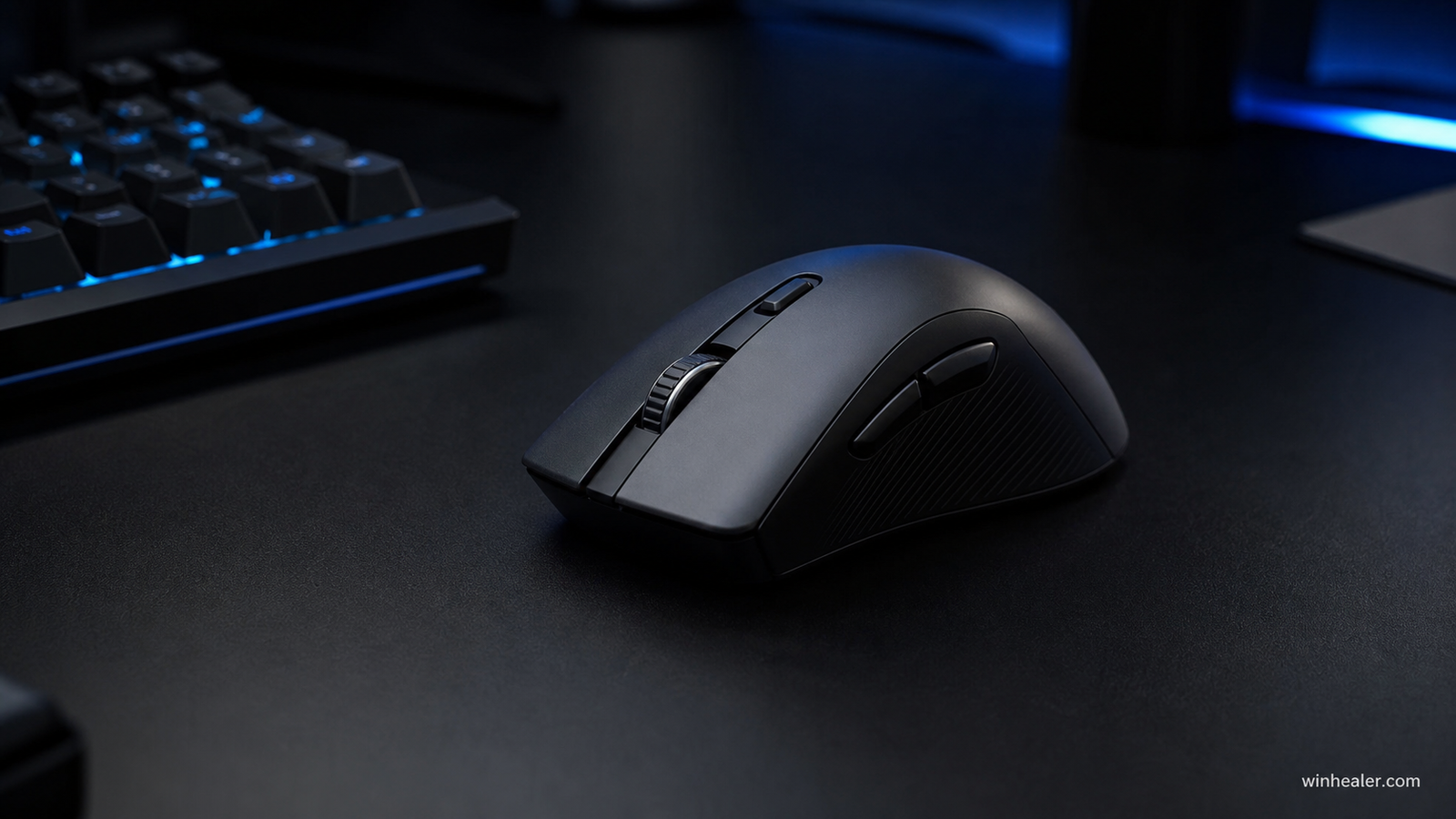
Your hand size and grip determine whether a mouse feels secure. Palm grip often favors a supportive ergonomic shell; claw grip benefits from a defined rear hump; fingertip grip commonly works with a smaller, lighter shape. Measurements help, but they cannot describe every curve. Buy from a store with a sensible return policy when possible.
Weight and balance
Low weight can make rapid corrections easier in shooters, but lighter is not automatically better. Some players prefer extra stability, and a badly balanced mouse can feel heavier than its specification. The goal is effortless control without wrist strain. A quality mousepad and sensible sensitivity setting matter too.
Sensor and DPI
Most reputable gaming sensors track accurately at normal settings. Ignore five-digit DPI marketing; many competitive players use 400–1600 DPI with in-game sensitivity adjusted to taste. Look for consistent tracking, no unwanted acceleration, low lift-off distance and firmware that behaves reliably.
Wireless versus wired
Good 2.4GHz gaming wireless can perform as well as a cable while eliminating drag. Bluetooth is convenient for laptops but is not usually the lowest-latency mode. Wired mice cost less and never need charging. If choosing wireless, check real battery life, receiver placement and whether the mouse can charge while playing.
Polling rate
1000Hz is smooth and efficient for most players. Higher rates can reduce input intervals on a high-refresh display, but consume more CPU and battery and do not guarantee better aim. Treat 2000Hz–8000Hz as an optional enthusiast feature, not a requirement.
Before buying
- Measure hand length and width.
- Identify palm, claw or fingertip grip.
- Choose a shape before comparing sensors.
- Check switch feel, wheel steps and side-button position.
- Confirm onboard memory and software support if you change PCs.
Final verdict
Choose fit and comfort first, then connection, weight and features. A comfortable mouse with a solid modern sensor will improve consistency more than a technically faster model that does not suit your hand.
How to compare gaming mice fairly
Mouse shape and grip comfort are personal, so no specification sheet can choose for you. We prioritize fit, reliable tracking, button placement, connection quality, battery behavior and software support. If possible, buy from a retailer with a return policy and test the mouse in your normal games.