A fast SSD makes Windows responsive, shortens game loading and removes the capacity anxiety created by modern installations. However, peak benchmark numbers do not tell the whole story. Capacity, sustained behavior, warranty and price per terabyte are often more important for a gaming library.
Quick recommendation
For most gaming PCs, a reputable 2TB PCIe 4.0 NVMe drive is the value sweet spot. A 1TB model works for a budget system, but fills quickly after Windows and several large games. PCIe 5.0 drives can be extremely fast in sequential workloads, yet usually provide little visible gaming benefit relative to their price and heat.
What type should you buy?
- Best overall: 2TB Gen4 NVMe from a major vendor with a five-year warranty and strong sustained performance.
- Budget library drive: affordable 1TB or 2TB Gen4; QLC can be acceptable for mostly read-heavy game storage.
- Heavy creator use: TLC NAND, strong sustained writes and high endurance.
- Premium workstation: Gen5 only when large-file work can use its bandwidth and cooling is adequate.
Gen3, Gen4 and Gen5
The generation sets the interface ceiling, not guaranteed real performance. A good Gen3 drive still loads games well. Gen4 offers excellent pricing and broad compatibility. Gen5 shines in large sequential transfers, but games involve many different access patterns and may show only modest improvement. Your motherboard slot and CPU lanes must support the selected generation.
TLC, QLC and DRAM
TLC generally offers better sustained write behavior and endurance than QLC. QLC lowers cost and is reasonable for a secondary game library, because games are read far more often than they are written. A dedicated DRAM cache can help mapping performance, though modern DRAM-less NVMe drives using Host Memory Buffer can still be excellent for gaming. Judge the full model, not one specification.
Capacity and usable space
Keep free space available so the controller can manage background tasks efficiently. A 2TB drive is not fully available after formatting, and large updates may require temporary room. If your board has multiple M.2 slots, check whether using one disables SATA ports or shares bandwidth.
Cooling and installation
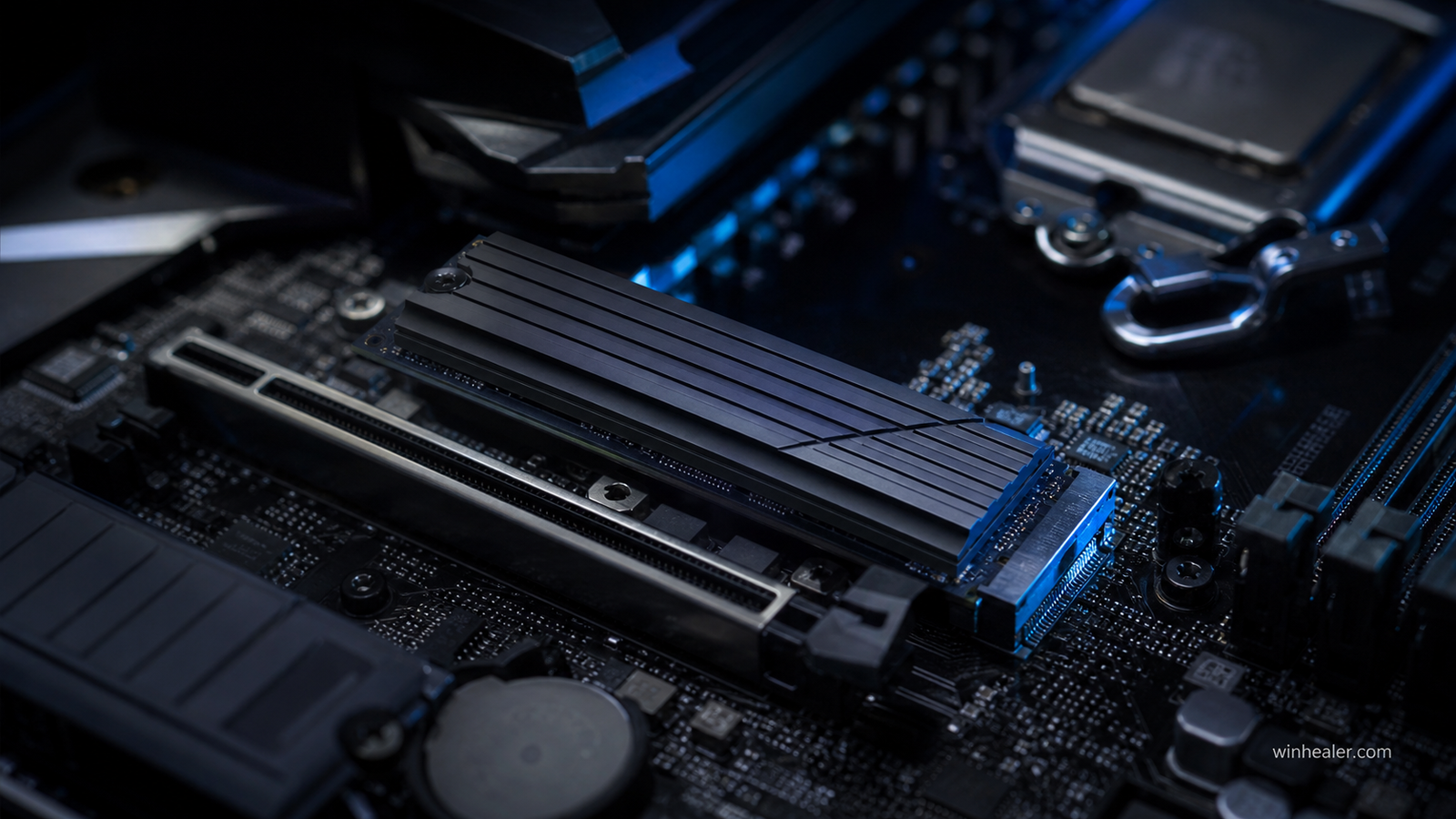
Remove the protective film from the motherboard thermal pad, install the drive at a slight angle, secure it without overtightening and replace the heatsink. Gen4 and especially Gen5 models can throttle during long transfers if cooling is inadequate. Many motherboards already include a suitable M.2 heatsink.
Final verdict
Buy capacity before chasing headline speed. A dependable 2TB Gen4 NVMe SSD offers the best balance for gaming; choose TLC for heavy writes and Gen5 only for a workload that can demonstrate the benefit.
How to compare gaming SSDs fairly
We weigh capacity, warranty, sustained behavior, controller/NAND design, thermal needs and price per terabyte. Peak sequential speed alone does not predict every game load time. Check the exact drive revision, your motherboard’s M.2-slot limits and current price before buying.