DDR5 labels can make a simple purchase look complicated. For most gaming PCs, the goal is not the highest advertised number—it is a stable dual-channel kit with enough capacity, sensible latency and a profile your motherboard can run reliably.
The gaming sweet spot
A 32GB kit made of two 16GB modules is the best general recommendation for a new gaming PC. It gives modern games, Windows, voice chat and a browser enough space without the cost and tuning difficulty of oversized kits. For many AMD AM5 systems, DDR5-6000 with a low CAS latency is a proven target. Intel systems can often support higher data rates, but the real gain depends on the CPU, board and game.
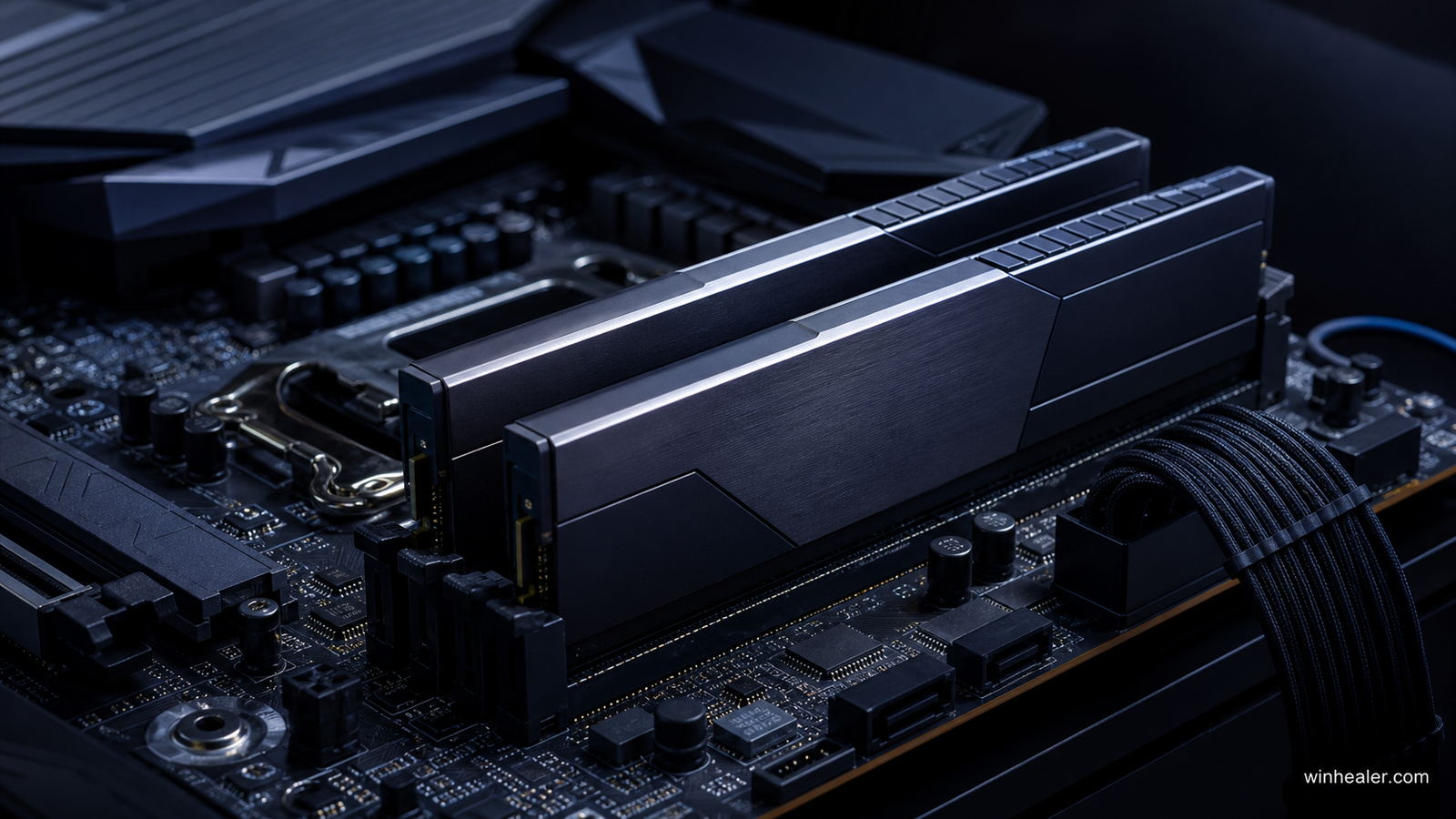
Best kit types
- Best overall: 32GB (2×16GB) DDR5-6000 CL30 with the correct EXPO or XMP profile.
- For heavy creation and modding: 64GB (2×32GB) at a stable speed.
- Budget build: 32GB DDR5-5600 or 6000 with reasonable timings.
- Enthusiast Intel tuning: faster kits only when the motherboard QVL and CPU memory controller support them.
Speed versus latency
DDR5-6000 describes transfers per second; CL30 describes one part of memory latency. A higher speed is not automatically faster if timings become much looser. Compare complete specifications and independent gaming tests. The performance difference between two sensible kits is often small, so stability and price should decide.
EXPO and XMP
AMD EXPO and Intel XMP store tested performance settings on the memory kit. After installation, enter the BIOS and enable the appropriate profile; otherwise the RAM may run at a slower default speed. A profile is still an overclock, so update the BIOS and test stability. If crashes appear, reduce speed one step or use motherboard auto-training before changing voltages.
Compatibility checklist
- Confirm DDR5 support—DDR4 and DDR5 are physically incompatible.
- Check the motherboard memory support list, especially for 64GB or very fast kits.
- Prefer one matched kit rather than mixing separately purchased modules.
- Install two sticks in the board’s recommended slots, usually A2 and B2.
- Check cooler clearance if the heat spreaders are tall.
RGB, heat spreaders and brands
RGB does not improve speed, and ordinary DDR5 does not need an enormous heat spreader. Buy from a vendor with clear warranty support, but remember that multiple retail brands may use memory chips from the same major manufacturers. Model-specific validation matters more than the logo.
Final verdict
For most gamers, buy a matched 32GB 2×16GB DDR5-6000 CL30 kit with the profile designed for your platform. Choose 64GB only for real workload needs, and choose extreme speeds only when you enjoy manual tuning.
How to compare DDR5 kits fairly
Compare capacity, data rate, timings, motherboard support and the correct EXPO or XMP profile together. The fastest label is not automatically the fastest stable experience. We recommend buying a matched kit and checking the motherboard’s memory support information before placing an order.