Sixteen gigabytes of video memory has become the most common single VRAM capacity reported in Steam’s July 2026 hardware survey. That is a real milestone—but it is not the same as saying every modern game needs 16GB, or that every 8GB graphics card has suddenly stopped working.
The survey figures reported for July place 16GB at 25.9% of participating systems, narrowly ahead of 8GB at 25.32%. In other words, 16GB is the largest individual category, not a majority of all gaming PCs. The better conclusion is that 16GB has become the safer target for a new midrange or high-end card, especially at 1440p and above, while 8GB remains usable when the GPU, resolution, settings, and game are matched sensibly.
What the latest Steam survey actually says
Valve’s Steam Hardware & Software Survey is optional and collects a monthly sample of systems running Steam. According to July 2026 results reported by multiple hardware publications, 16GB VRAM rose to 25.9%, gaining about 1.4 percentage points from June. The 8GB category stood at 25.32%.
That shift is notable because 8GB had been the familiar mainstream capacity for years. More 16GB cards are now in circulation across several generations, including Radeon models such as the RX 6800, 7800 XT, and RX 9070 series, as well as GeForce cards including 16GB versions of the RTX 5060 Ti and higher-tier products.
There are three important cautions before treating the numbers as a universal purchasing law:
- Steam represents participating Steam systems, not every PC gamer. Survey participation is voluntary and the sample changes monthly.
- “Most common” does not mean “more than half.” A 25.9% share means roughly one quarter of the reported systems fall into that category.
- Valve corrected VRAM reporting earlier in 2026. Valve acknowledged that some multi-adapter systems were not reported correctly and changed the survey to select the adapter with the most VRAM. That improves consistency, but it also means abrupt comparisons with older months require care.
The survey shows the direction of the installed base. It does not prove that 16GB is required to launch a specific game.
What VRAM does in a game
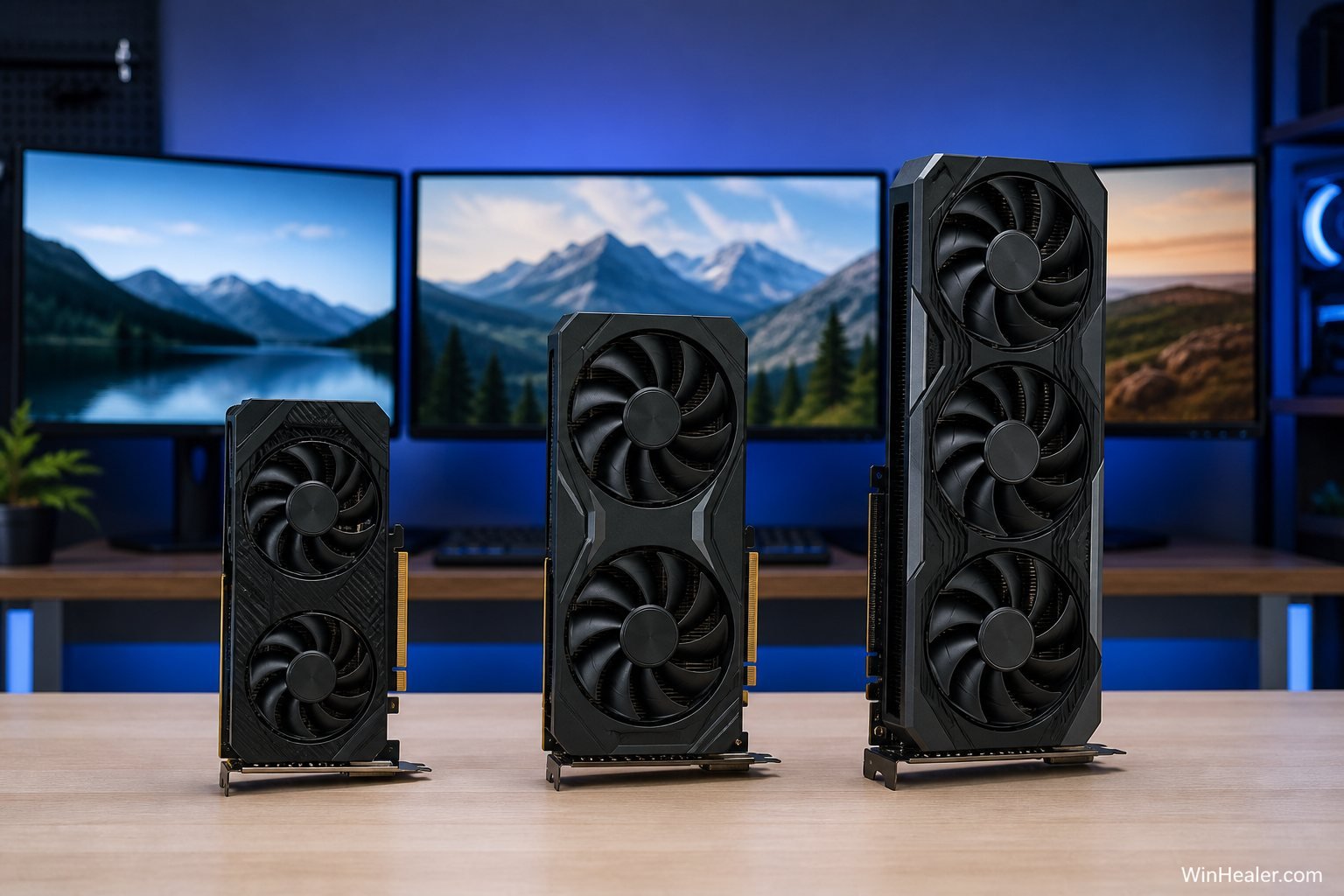
VRAM is the high-speed memory attached to a graphics card. Games use it for textures, frame buffers, geometry, shaders, acceleration structures for ray tracing, cached assets, and other data the GPU needs quickly. Higher resolution and more detailed assets generally increase demand because the card must retain more information close to the graphics processor.
When a game exceeds the comfortable VRAM budget, it may move data through system memory or reload assets more often. The result can be uneven frame times, texture pop-in, delayed texture detail, sudden stutter, or—in a badly handled case—a crash. The average frame-rate number may look acceptable while the experience feels rough.
VRAM cannot compensate for a weak GPU. A slow card with 16GB does not automatically outrun a much faster card with 12GB. Capacity is one part of a graphics subsystem that also includes shader performance, ray-tracing speed, cache, memory bus width, bandwidth, compression, architecture, drivers, and power limits.
Allocated VRAM is not the same as required VRAM
Monitoring software often shows a game “using” nearly all available VRAM. That number may include memory the game has allocated as a cache because it is available. A game allocating 13GB on a 16GB card does not prove it would fail on a 12GB card.
The stronger test is behavior under a repeatable workload. Look for persistent stutter, low-resolution textures, unstable frame times, and a clear improvement after reducing texture quality or ray tracing. Compare the same scene, settings, driver, and game version. Otherwise it is easy to confuse ordinary shader compilation, CPU limits, or background activity with a VRAM problem.
How much VRAM do you need in 2026?
| VRAM | Best use | Main compromise |
|---|---|---|
| 6GB or less | Esports, older games, light 1080p | Modern high-resolution textures often need reduction |
| 8GB | Budget 1080p gaming | Less headroom for ultra textures and heavy ray tracing |
| 10–12GB | Strong 1080p and balanced 1440p | May require selective reductions in the heaviest future titles |
| 16GB | High-quality 1440p, entry 4K, ray tracing, mods | Costs more and still needs a capable GPU |
| 20–24GB+ | High-end 4K, creation, local AI, specialist workloads | Usually unnecessary for ordinary gaming |
These are practical buying bands, not hard game requirements. A well-optimized game can look excellent within 8GB, while an unusually demanding title, a large texture mod, or path tracing can consume far more.
Is 8GB VRAM obsolete?
No. It has moved down the market.
An 8GB card can still be a good match for competitive games, older releases, indie titles, and modern games at 1080p with sensible texture settings. Upscaling can reduce the internal rendering resolution and lower some memory pressure, although it does not shrink every texture stored in VRAM.
The problem is value when an expensive new GPU is offered with only 8GB. A buyer expects a midrange card to last through several years of larger textures and heavier effects. Nvidia’s RTX 5060 Ti illustrates the choice clearly: Nvidia offers it in both 16GB and 8GB configurations. The two cards may share the same GPU name, but the additional capacity can protect the 16GB version from memory-related compromises in demanding situations.
For a strict budget, an 8GB card at the right price remains defensible. For a costly 1440p build, the same capacity is harder to recommend.
Is 12GB enough for 1440p?
Twelve gigabytes remains a useful middle ground. It provides substantially more breathing room than 8GB and can support high-quality 1440p gaming when the graphics processor is fast enough. It may also be the better purchase when the alternative 16GB card has a much slower GPU.
Buy the complete card, not the memory number. A 12GB GPU that delivers the frame rate you want is better than a 16GB card whose processor cannot handle your chosen ray-tracing level. The capacity becomes a concern when two options have similar graphics performance and price but one offers clearly more headroom.
When 16GB VRAM makes a real difference
- High-resolution texture packs: Detailed textures can consume large amounts of memory without always reducing average FPS until the limit is crossed.
- 1440p and 4K: Larger frame buffers and higher-quality assets increase pressure, particularly when combined with anti-aliasing and post-processing.
- Ray tracing and path tracing: Acceleration structures and additional rendering resources can raise memory demand.
- Modded games: Community texture packs, dense environments, and visual overhauls can exceed the assumptions made by the original developer.
- Creation and local AI: Video editing, 3D rendering, image generation, and local models can benefit from capacity even when a game does not.
How to reduce VRAM use without ruining image quality
- Lower texture quality by one step. This is usually the first setting to change when capacity is the problem and often has little effect on geometry or lighting.
- Reduce ray tracing selectively. Reflections or path-traced modes can be much heavier than simpler shadows.
- Use an appropriate upscaler. DLSS, FSR, or XeSS can improve performance, but check image quality and remember that texture memory may remain substantial.
- Close GPU-heavy background apps. Browsers, recording tools, animated wallpapers, and overlays can reserve video memory.
- Restart after changing settings. Some games do not release every resource cleanly until the title restarts.
- Watch frame-time consistency. A smooth 70 FPS is better than an average of 80 FPS interrupted by severe streaming stutter.
Should you upgrade only because you have 8GB?
Upgrade because your current card fails to deliver the experience you want—not because a survey category changed position.
If your games run smoothly at your chosen settings, keep the card. Reducing textures from ultra to high is often invisible during normal play. An upgrade makes sense when repeated, verified VRAM limits force settings below your preferred quality, when the GPU itself is too slow, or when you are moving to a higher-resolution display.
Before buying, compare the price of the entire graphics card, measured game performance, power supply requirements, case clearance, encoder features, display outputs, warranty, and memory capacity. VRAM is important, but it should not erase every other specification.
So, is 16GB the new standard?
For the installed Steam base, 16GB is now the most common individual VRAM category reported for July 2026. For new midrange and high-end purchasing, it is becoming the sensible long-term target. For minimum game compatibility, it is not yet a universal requirement.
A useful way to phrase the market in 2026 is:
- 8GB is the budget 1080p tier.
- 10–12GB is the workable middle ground.
- 16GB is the comfortable target for a new 1440p-focused card.
- 20–24GB and above remains high-end or workload-specific.
The Steam result confirms where buyers are moving, not where every game draws a hard line. Choose enough capacity for the resolution, settings, and ownership period you expect, while making sure the GPU attached to that memory is fast enough to use it.
Sources and further reading
- Valve: Steam Hardware & Software Survey
- Tom’s Hardware: July 2026 Steam VRAM results
- PC Gamer: Valve’s 2026 VRAM reporting correction
- Nvidia: GeForce RTX 5060 family memory specifications
- AMD: Radeon RX 9070 official specifications
Editorial note: Steam survey percentages can change monthly and are based on participating systems. VRAM behavior varies by game version, resolution, settings, driver, mods, and other applications running on the PC.