The GeForce RTX 5060 Ti 16GB and Radeon RX 9060 XT 16GB sit in the part of the graphics-card market where a sensible purchase can last for several years. Both provide 16GB of video memory, modern display outputs and hardware AV1 support. Both are also marketed for high-quality 1080p and 1440p gaming. That makes the choice look simple until ray tracing, upscaling, power, software support and the actual price of a particular card enter the picture.
Short answer: the RTX 5060 Ti 16GB is the more natural fit for a buyer who values NVIDIA’s ray-tracing stack, DLSS features, CUDA support or specific creator applications. The RX 9060 XT 16GB is the more efficiency-focused alternative and can be the stronger value when it costs meaningfully less. There is no honest universal winner without comparing current board prices and independent results for the games you actually play.
RTX 5060 Ti 16GB vs RX 9060 XT 16GB specifications
| Specification | GeForce RTX 5060 Ti 16GB | Radeon RX 9060 XT 16GB |
|---|---|---|
| GPU architecture | NVIDIA Blackwell | AMD RDNA 4 |
| Shader hardware | 4,608 CUDA cores | 32 compute units / 2,048 stream processors |
| Video memory | 16GB GDDR7 | 16GB GDDR6 |
| Memory interface | 128-bit | 128-bit |
| Official boost clock | 2.57GHz | Up to 3.13GHz |
| Official board power | 180W total graphics power | 160W typical board power |
| Official system PSU guidance | 600W | 450W minimum recommendation |
| Display outputs supported | DisplayPort 2.1b and HDMI 2.1b | DisplayPort 2.1a and HDMI 2.1b |
| Media support | AV1 encode and decode | AV1 encode and decode |
| Launch-price reference | $429 starting price for 16GB models | $349 suggested price |
The core counts and clock rates above should not be compared line by line. NVIDIA and AMD organize their architectures differently, so 4,608 CUDA cores do not translate into a simple multiple of 2,048 Radeon stream processors. The launch prices are historical manufacturer references, not promises about what either card costs today. Partner coolers, factory overclocks, local taxes and retailer discounts can change the real buying decision.
What matters for 1080p gaming?
At 1080p, either 16GB card has more memory headroom than an 8GB entry model, but the rest of the PC becomes especially important. A high-refresh competitive game can run into a CPU limit before either GPU is fully occupied. A demanding single-player game with ray tracing can remain GPU-limited even at this resolution. An average made from those two situations would hide more than it reveals.
For visually demanding games, compare independent tests at the same preset with upscaling and frame generation disabled first. That shows the native rendering baseline. Then compare the specific quality mode you would actually use. Manufacturer charts are useful for understanding intended features, but NVIDIA and AMD use different test systems, games and settings, so their promotional numbers cannot be combined into a fair head-to-head result.
Which card makes more sense at 1440p?
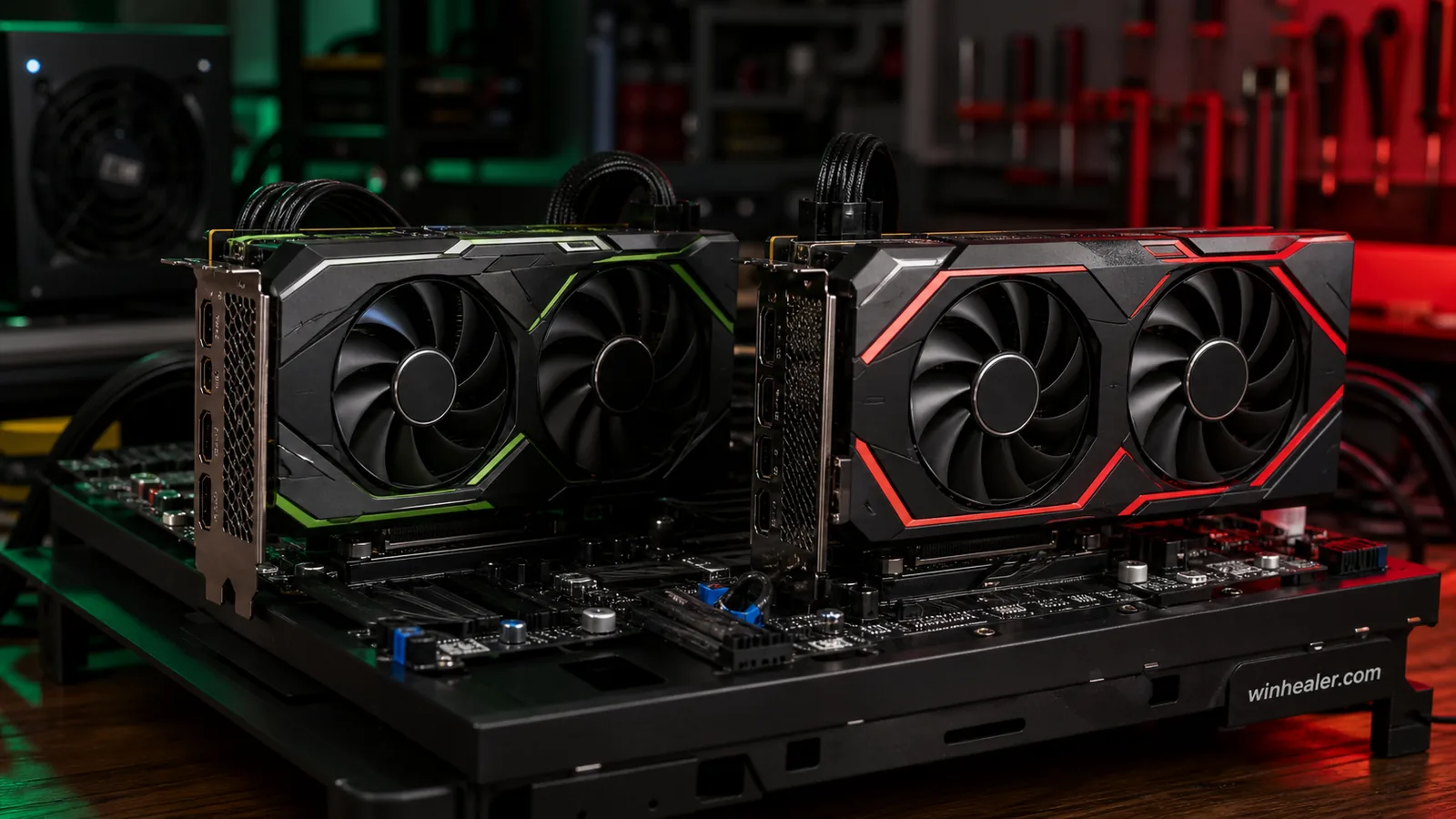
Sixteen gigabytes is the reassuring part of both specifications. It gives modern games more room for high-resolution textures, larger worlds and background applications than an 8GB card. It does not, however, guarantee that every future title will run at its maximum preset. Memory capacity, memory bandwidth and raw shader performance are different constraints, and an unnecessarily heavy ray-tracing preset can overwhelm a GPU while plenty of VRAM remains free.
The RTX 5060 Ti uses GDDR7 memory, whereas the RX 9060 XT uses GDDR6; both have a 128-bit interface. Cache design, compression and the game engine also influence throughput, so memory type alone does not settle the contest.
For 1440p, a practical target is a stable experience at high settings instead of automatically selecting every ultra option. Ultra shadows, reflections and volumetric effects can consume a surprising amount of performance for a small visual improvement. The better card for one person may be the one that stays above the monitor’s adaptive-sync range in their five most-played games, not the one that wins a broad average by a few frames.
DLSS 4.5 and FSR Redstone change the calculation
NVIDIA’s current RTX 5060 family page promotes DLSS 4.5, including AI-based Super Resolution and features in the broader DLSS suite such as Ray Reconstruction and Multi Frame Generation. The RTX 5060 Ti’s fifth-generation Tensor Cores and fourth-generation RT Cores are part of that Blackwell feature set. Support still varies by game, and generated frames do not remove the need for a sufficiently responsive native frame rate.
AMD lists the RX 9060 XT as supporting FSR “Redstone,” Fluid Motion Frames, Radeon Super Resolution and Anti-Lag 2. AMD describes Redstone as a group of machine-learning technologies covering upscaling, frame generation and ray regeneration on supported Radeon hardware and games. Again, compatibility matters. A game with a polished implementation of one technology tells you more than the name printed on the box.
Ray tracing, streaming and creative work
If ray tracing is a priority, the RTX card deserves close consideration because NVIDIA’s hardware and DLSS Ray Reconstruction ecosystem are central parts of its design. That is not the same as saying the RTX 5060 Ti wins every ray-traced game. Implementation quality and settings still matter, and an excessive path-tracing preset may require aggressive upscaling on either midrange card.
Both GPUs support hardware AV1 encode and decode, which is useful for recording and streaming on platforms that accept AV1. The right creator choice depends on the application. Some video, 3D and AI tools have established CUDA or NVIDIA Studio workflows; other programs work well through cross-platform APIs or Radeon acceleration. Check the software vendor’s current support page for your exact application, codec and plug-ins before buying a GPU for paid work.
Power supply, cooling and case fit
AMD specifies 160W typical board power and recommends at least a 450W power supply for the RX 9060 XT 16GB. NVIDIA lists 180W total graphics power and 600W required system power for the RTX 5060 Ti reference specification. PSU guidance assumes a particular system, so a power-hungry processor, extensive storage or overclocking can change the requirement.
Partner-card dimensions also vary. A quiet triple-fan model may be longer and thicker than a modest case accepts, while a compact dual-fan model may run warmer or louder. Verify length, slot thickness, power-connector clearance and the PSU’s available cable before ordering. A card that physically fits without bending a cable against the side panel is the better purchase.
Who should buy the RTX 5060 Ti 16GB?
- Choose it when the games you care about have strong DLSS and ray-tracing support.
- Favor it for an application that specifically recommends CUDA, NVIDIA Studio or another NVIDIA-only workflow.
- Consider it for high-refresh 1440p when independent testing shows the required frame-time consistency in your games.
- Pay attention to the premium: features can justify a higher price, but the launch-price gap was substantial.
Who should buy the RX 9060 XT 16GB?
- Choose it when it offers the better complete-card price and your games perform well on Radeon.
- Favor it for a lower-power build where the 160W board specification and lighter PSU recommendation are useful.
- Consider it for traditional rasterized 1080p or 1440p gaming with 16GB of VRAM as a priority.
- Check Redstone and Anti-Lag support in your library rather than assuming every feature works in every title.
Important caveats before deciding
Do not buy from the model name alone. Look up the exact partner card, because cooler quality, noise, dimensions and factory power limits vary. Compare current local prices on the same day, then read independent tests using recent drivers. Pay special attention to 1% low frame rates, ray-tracing settings, image quality and power—not only average FPS.
At 1080p, a weak processor can hide the difference between the cards. At 1440p, the GPU usually matters more, but the size of that change depends on the game. Upscaling and frame generation should be tested separately from native rendering. Finally, remember that 16GB improves memory headroom; it does not turn either product into an unlimited 4K card.
Final verdict
The RTX 5060 Ti 16GB is the feature-led choice. Its appeal is strongest for DLSS, ray tracing and NVIDIA-dependent creator work. The RX 9060 XT 16GB is the value-and-efficiency choice, particularly when its current price is clearly lower and Radeon performance is strong in the buyer’s library. For both 1080p and 1440p, the sound decision comes from matching current independent results, game support, board quality and total system cost—not from declaring one architecture universally superior.