The RX 9070 GRE and RX 9070 sit close enough in AMD’s RDNA 4 range to create a genuinely awkward buying decision. Their names look similar, yet the full RX 9070 has more graphics resources and more memory. The GRE can still be the sensible card—but only when the price difference is large enough.
This comparison uses AMD’s published specifications and launch information. It does not pretend that one benchmark number applies to every game, because results move with the processor, driver, game patch, graphics preset and partner-card power limit.
RX 9070 GRE vs RX 9070 specifications
| Specification | RX 9070 GRE | RX 9070 |
|---|---|---|
| Architecture | RDNA 4 | RDNA 4 |
| Compute units | 48 | 56 |
| Graphics memory | 12GB GDDR6 | 16GB GDDR6 |
| Best target | Value-focused 1440p | High-refresh 1440p and more demanding settings |
The difference that matters is not merely 12GB versus 16GB. The RX 9070 also has 56 compute units compared with 48 on the GRE. That gives the full card more shader and ray-tracing resources before clock speed, cooling or factory overclocks enter the discussion.
Which card should be faster at 1440p?
The RX 9070 should normally lead because it has more active compute units and a wider overall hardware configuration. The size of that lead is game-dependent. A GPU-heavy title at ultra settings can expose the difference more clearly than an esports game limited by the processor.
For a fair comparison, use reviews that test the exact cards at the same resolution, preset and driver version. Check the one-percent-low frame rate as well as the average. Smooth frame delivery often matters more than a small gain in the headline average.
Is 12GB enough for gaming?
For many current games at 1440p, 12GB remains workable when settings are chosen sensibly. It is not a guarantee that every future title will run with maximum textures, heavy ray tracing and large mod packs at once. The RX 9070’s 16GB gives it more breathing room for those workloads and reduces the chance that memory capacity becomes the first limit.
More VRAM does not automatically make a card faster. A game must actually need the extra capacity. However, when two GPUs are otherwise fairly close, the additional 4GB is useful insurance for a machine expected to stay in service for several years.
Ray tracing, upscaling and frame generation
Both cards belong to the same RDNA 4 family, so they share the same generation of AMD graphics features. That includes support for current FidelityFX Super Resolution technology where a game implements it. Image quality and latency still depend on the selected mode, base frame rate and game integration.
The RX 9070’s extra hardware resources should help in demanding ray-traced scenes, but neither card should be purchased from a feature-list alone. Look at tests from the games you actually play. Competitive shooters, simulation games and cinematic single-player titles stress a system in very different ways.
The pricing problem: the RX 9070 GRE must be cheaper
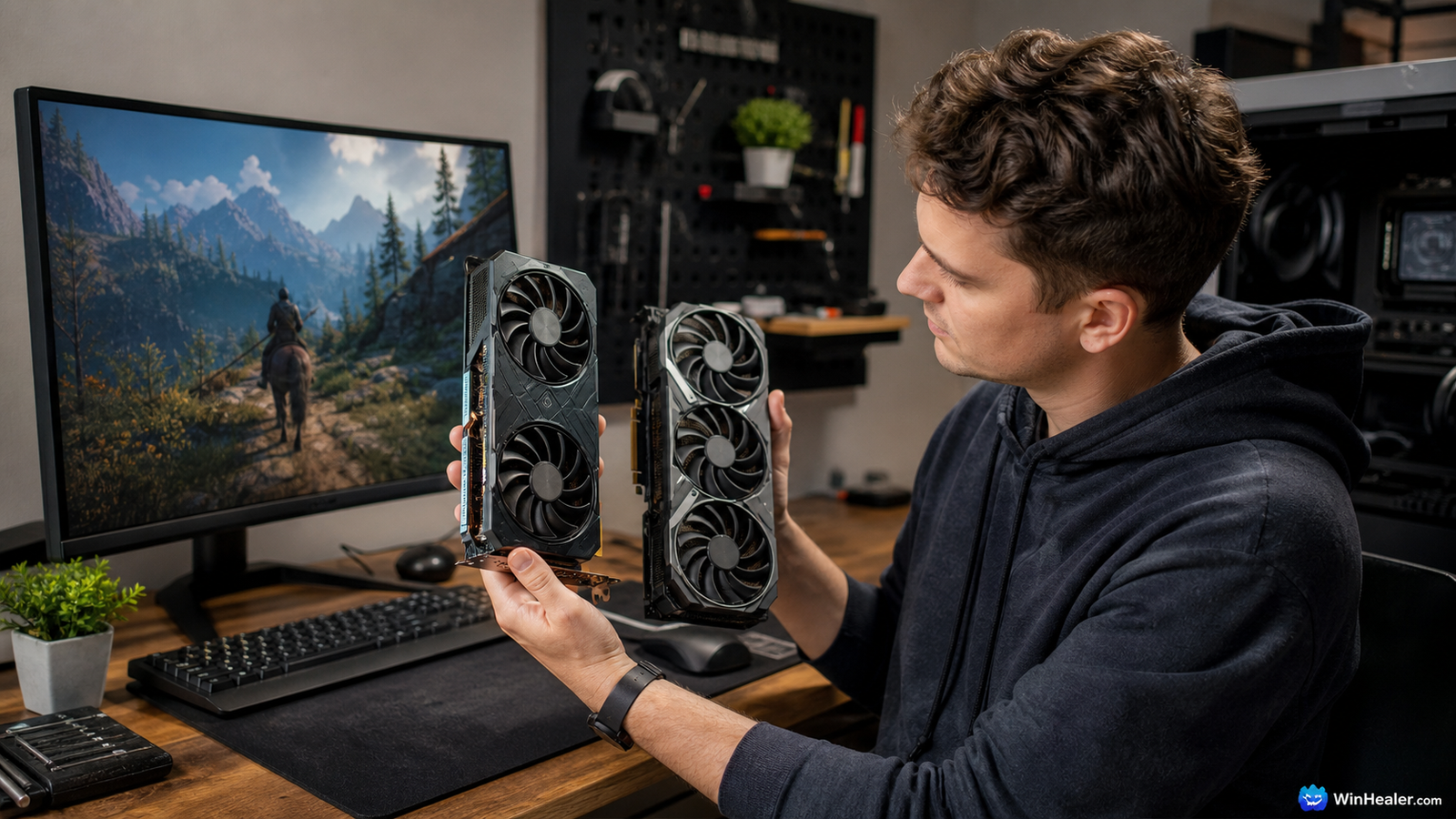
AMD announced a suggested e-tail price of $549 for the global RX 9070 GRE launch in June 2026. The original suggested price for the RX 9070 was also $549 when that card launched in 2025. At the same price, the full RX 9070 is the obvious choice: it provides more compute units and 16GB of memory.
Real shop prices may be very different from launch prices. The GRE becomes attractive when discounts place it meaningfully below the RX 9070. A tiny saving is difficult to justify because a graphics card is usually kept for years. Also compare delivery cost, local tax, warranty length and the quality of the specific cooler.
Power supply and case checks before buying
- Read the product page for the exact partner card; dimensions and connector layouts vary.
- Measure GPU length and thickness inside the case, including room for the power cable.
- Check the card maker’s power-supply recommendation and the PSU’s available connectors.
- Confirm that the case has clear intake airflow rather than relying only on exhaust fans.
- Update the motherboard BIOS and enable Resizable BAR/Smart Access Memory when supported.
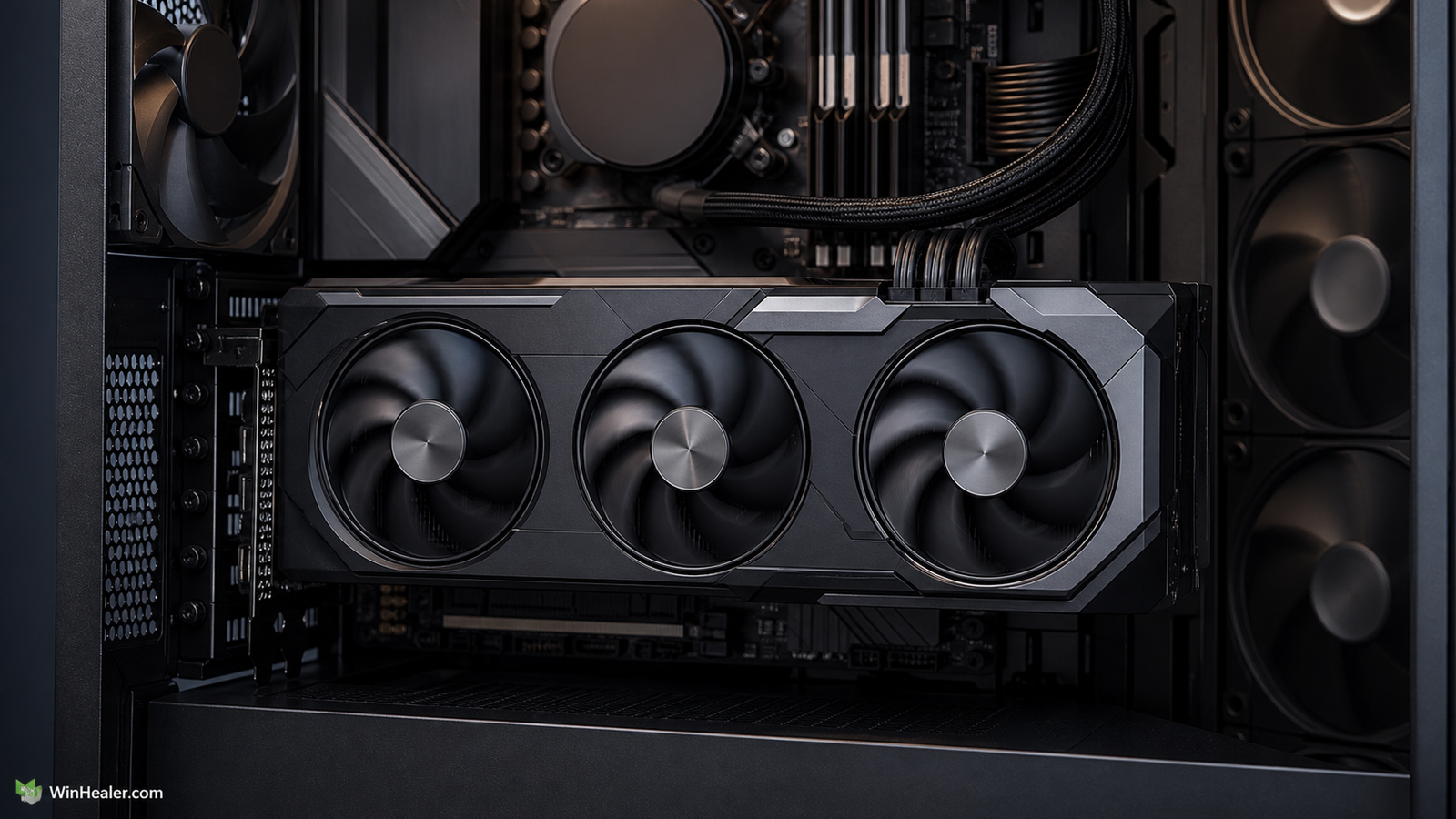
A premium triple-fan model can be quieter, but paying so much for its cooler that it reaches the price of a faster GPU defeats the value argument.
Who should buy each GPU?
Choose the RX 9070 GRE if:
- It is substantially cheaper than the RX 9070 in your market.
- Your main target is 1440p gaming with adjusted rather than blindly maxed settings.
- You have checked independent results for your favourite games.
Choose the RX 9070 if:
- The two cards cost the same or are separated by only a small amount.
- You want stronger high-refresh 1440p performance and more VRAM headroom.
- You expect to use ray tracing, high-resolution texture packs or demanding mods.
Upgrade advice
Owners of much older mid-range cards can see a meaningful change, but an upgrade from a recent capable 1440p GPU deserves more caution. Write down what is actually wrong with the current experience: low averages, stutter, insufficient VRAM, noise, or a specific feature. Then check whether the new card fixes that particular problem.
Do not judge an upgrade with a single built-in benchmark. Test several representative games and make sure the CPU is not already limiting the frame rate. At very high refresh rates, a processor bottleneck can make two powerful GPUs look closer than they really are.
Verdict
The RX 9070 is the better graphics card. It has more compute units and 16GB instead of 12GB, making it the straightforward recommendation when pricing is close. The RX 9070 GRE is the value option, not the equal-price option. Buy it only when the discount is large enough to compensate for its lower specification.
Official sources
Editorial note: Prices, drivers and game performance change. Verify the exact partner-card specifications and current local price before ordering.